nPower Software · Powered by IntegrityWare, Inc. Solids# Technology

Power Surfacing Software
for CAD Design

Power Surfacing provides Windows-based CAD, Sub-D modeling and reverse-engineering software for industrial designers, engineers and manufacturers. Across the Power Surfacing product family, users can create dimension-driven sketches, feature-based solids and freeform Sub-D surfaces, or reconstruct scanned meshes, ZBrush models and STL files as editable CAD geometry. Choose from standalone applications or integrated SOLIDWORKS add-ins.

Powered by IntegrityWare's Solids# geometry kernel
Dimension-Driven SketchingFeature-Based ModelingSurfacing & SolidsFreeform Sub-D DesignReverse EngineeringScan/Mesh-to-CADSOLIDWORKS WorkflowsShelling & Thickening

See It In Motion

Subdivision Surface Modeling

The Power Surfacing Product Family

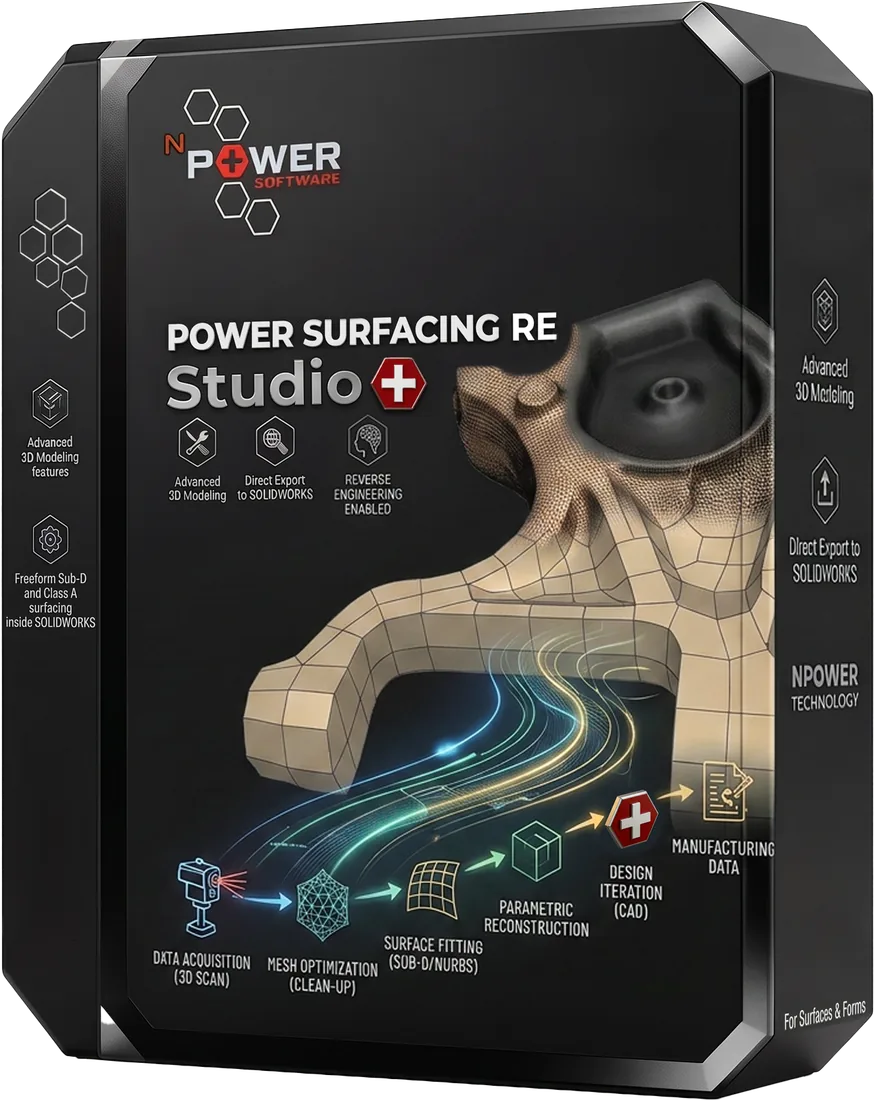
Power Surfacing RE Studio is standalone reverse-engineering software for reconstructing 3D scan meshes, sculpted meshes and STL files as editable NURBS surfaces and solids. Export reconstructed geometry to STEP and native SOLIDWORKS features. Power Surfacing RE Studio also includes the complete Power Surfacing Studio modeling toolset.

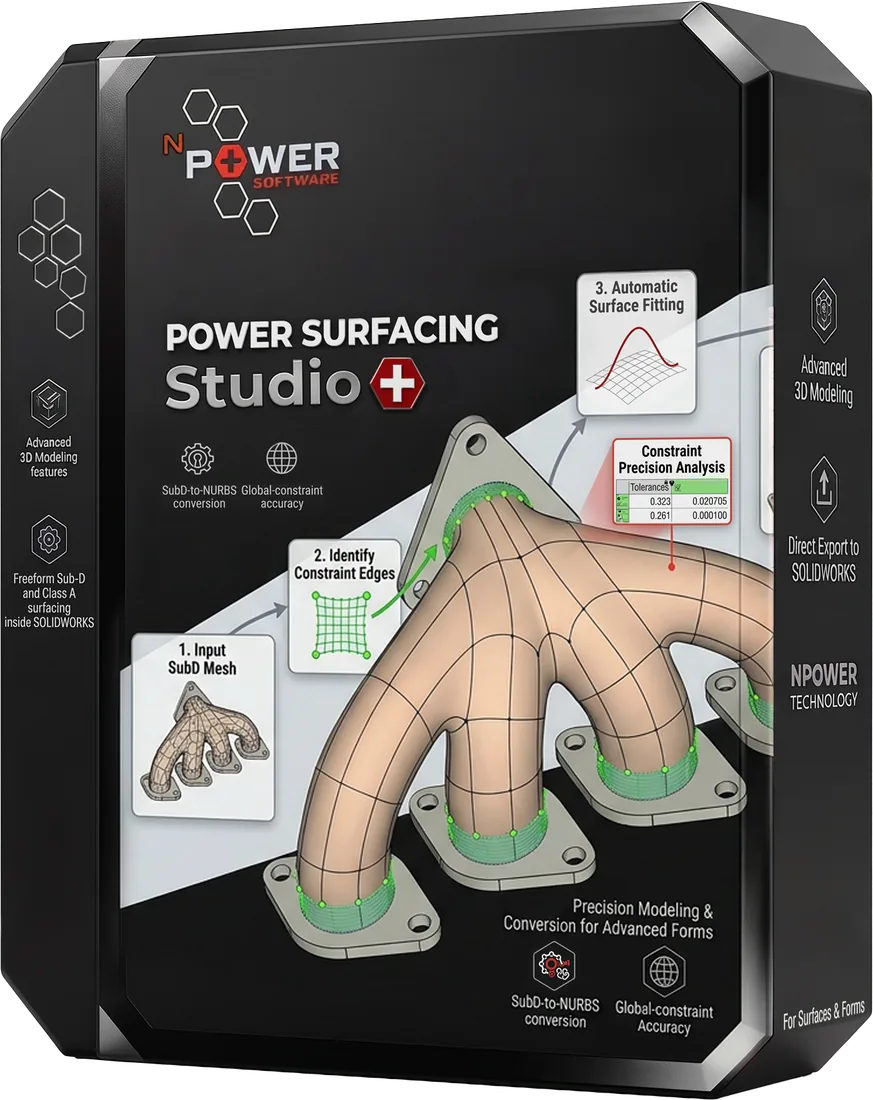
Power Surfacing Studio is standalone CAD modeling software combining freeform Sub-D surfacing, dimension-driven sketching and feature-based solid modeling. No third-party CAD license is required.

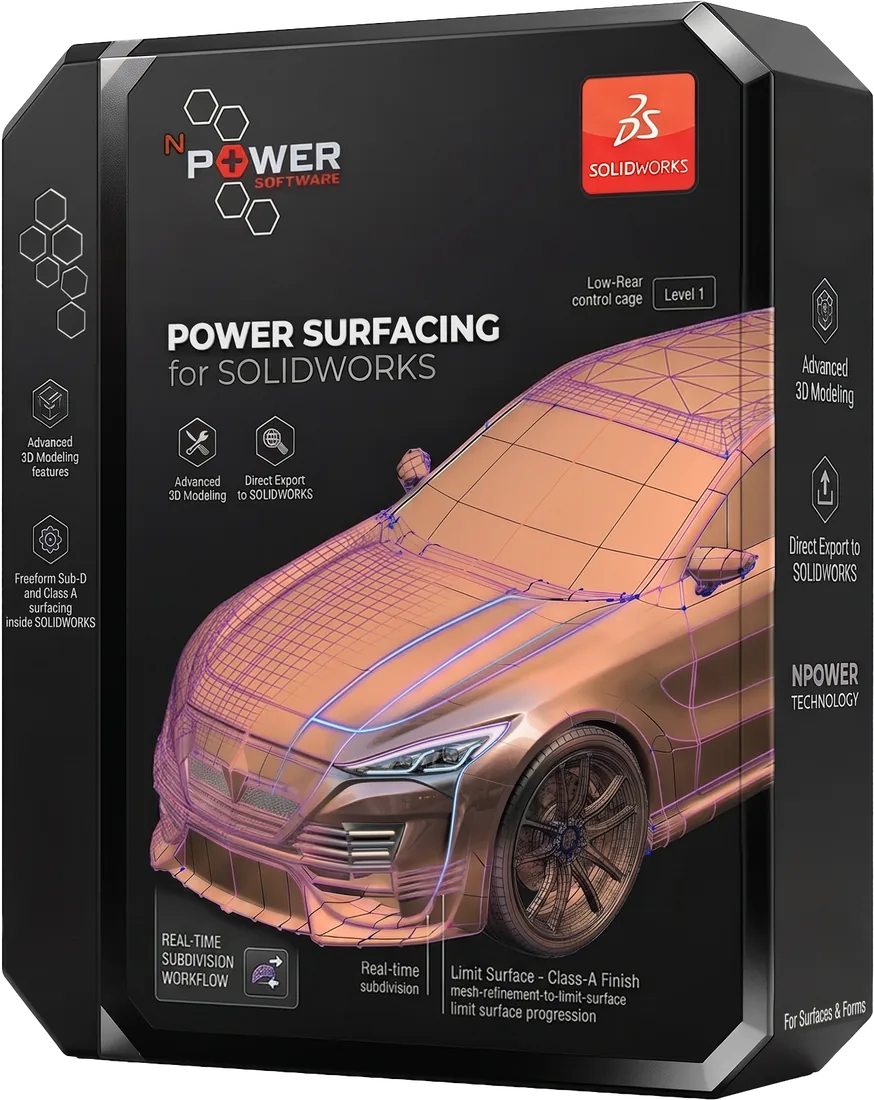
Power Surfacing for SOLIDWORKS is a freeform Sub-D modeling add-in for creating smooth organic shapes and high-quality surfaces directly inside SOLIDWORKS. Convert Power Surfacing models into SOLIDWORKS surface and solid bodies integrated with the feature tree.

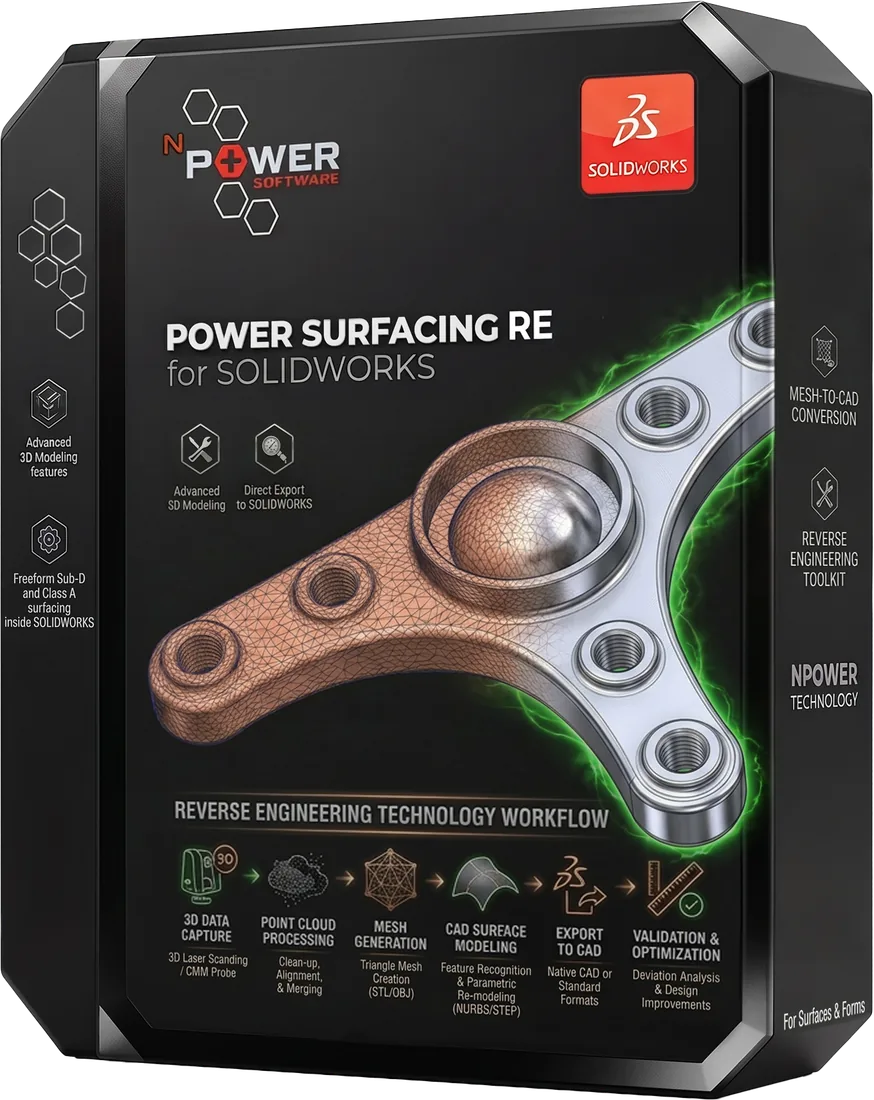
Power Surfacing RE for SOLIDWORKS provides mesh-to-CAD and reverse-engineering tools directly inside SOLIDWORKS. Reconstruct 3D scans, STL meshes and sculpted models using Quad Wrap retopology, Sub-D reconstruction and surface-fitting tools. It is primarily targeted at reverse engineering organic data; mechanical data is reconstructed using native SOLIDWORKS tools.

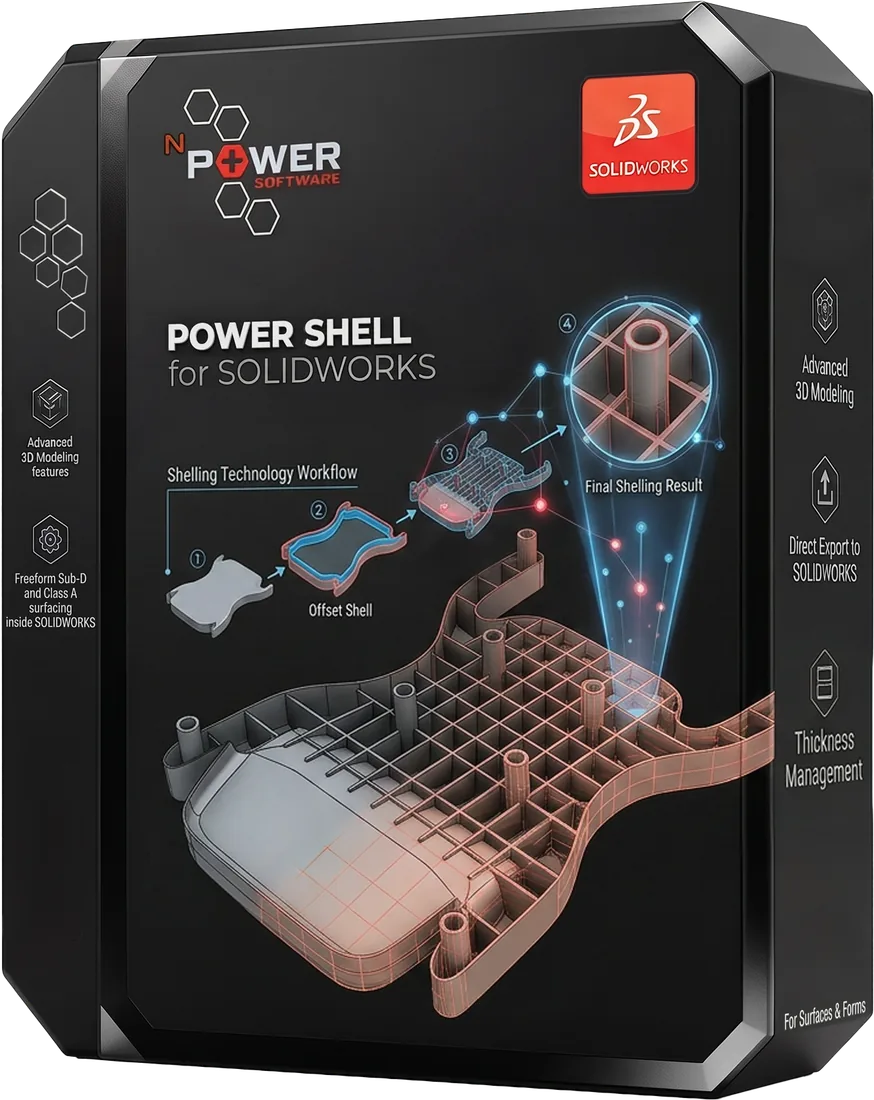
Power Shell for SOLIDWORKS provides advanced shelling and thickening tools for complex geometry, including many cases where the standard SOLIDWORKS Shell and Thicken commands fail. Power Thicken is included.

The Power Surfacing Product Family

Five specialized products for CAD design, freeform modeling, reverse engineering, and advanced surfacing — available as standalone applications or SOLIDWORKS add-ins.

Standalone Applications

Design and reverse engineer without SOLIDWORKS

Power Surfacing RE Studio and Power Surfacing Studio are complete standalone applications — no third-party CAD license required.

SOLIDWORKS Add-ins

Extend SOLIDWORKS with advanced capabilities

Add freeform Sub-D surfacing, reverse engineering, and advanced shelling directly inside your SOLIDWORKS environment.

Choose Your Product

Select the right Power Surfacing solution for your workflow.

Core Capabilities

From freeform artistic design to precision manufacturing, Power Surfacing covers every surfacing workflow.

Dimension-Driven Sketching

Precisely control geometry with parametric dimensions, constraints, and relationships.

Feature-Based Modeling

Build complex models with a construction history that can be edited and rolled back at any time.

Surfacing & Solids

Combine surface modeling and solid modeling for complete product design workflows.

Freeform Sub-D Design

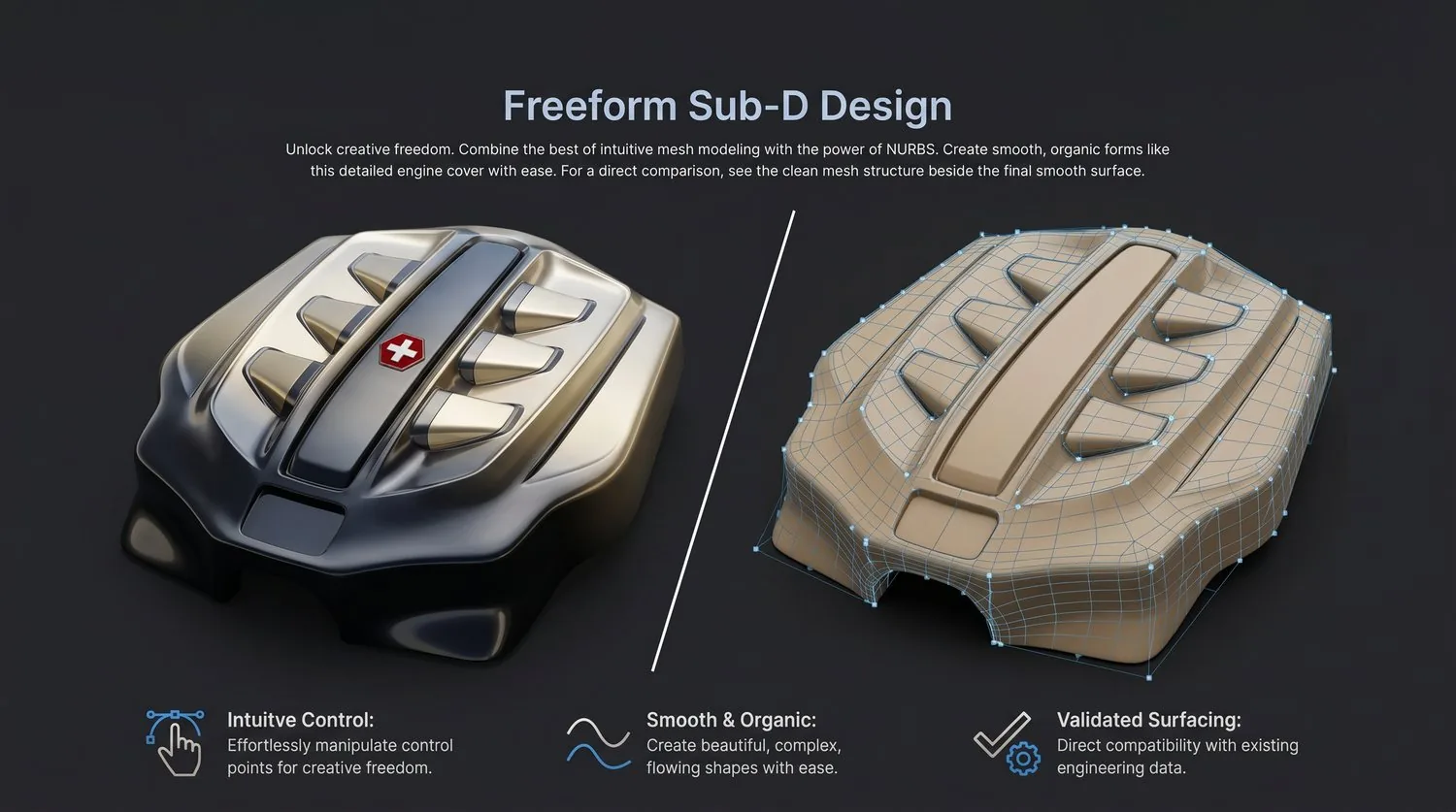
Create smooth, organic shapes using subdivision surface modeling with intuitive control.

Reverse Engineering

Convert 3D scans, meshes, and point clouds into editable CAD geometry.

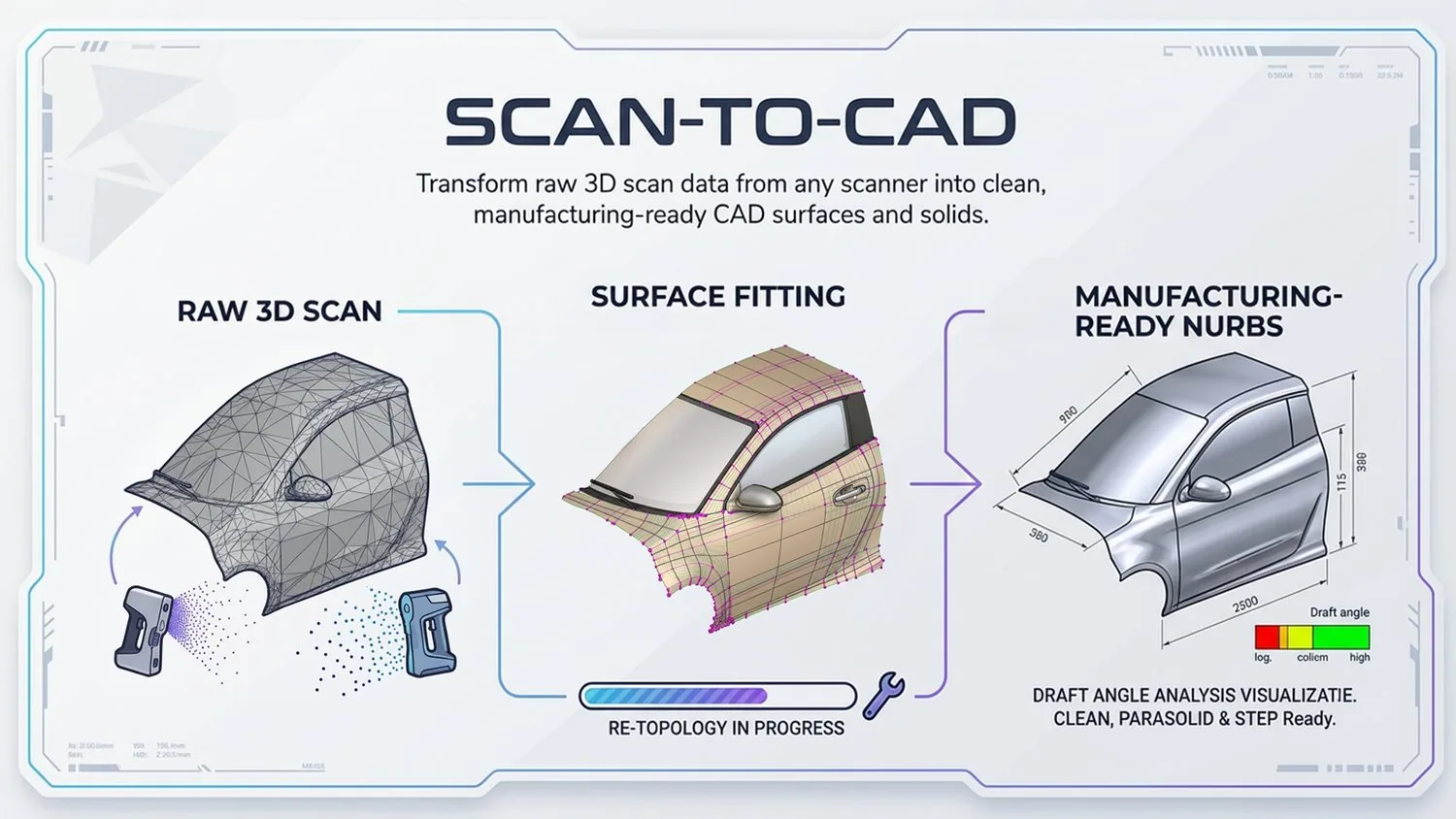
Scan/Mesh-to-CAD

Import and convert STL, OBJ, and mesh files into NURBS surfaces and solid models.

SOLIDWORKS Workflows

Extend SOLIDWORKS with freeform surfacing, reverse engineering, and advanced shelling.

Shelling & Thickening

Handle complex shelling and thickening operations that standard tools cannot solve.

See Power Surfacing in Action

Watch how Power Surfacing transforms complex geometry workflows — from scan-to-CAD reverse engineering to freeform Sub-D design and precision surfacing.

  • Scan-to-CAD in minutes, not hours
  • Freeform Sub-D with NURBS precision
  • Feature-based modeling with full history
  • Works standalone or inside SOLIDWORKS
Browse Video Library
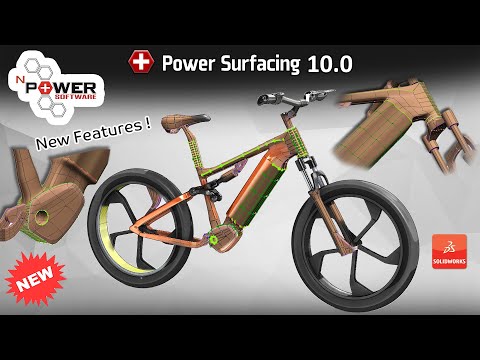
Power Surfacing 10.0 New Features

Why Choose Power Surfacing?

Power Surfacing combines freeform Sub-D modeling with professional CAD and reverse-engineering workflows. Designers can create smooth organic forms quickly, while engineers can convert those designs into editable surfaces and solids suitable for manufacturing, documentation and downstream CAD operations.

The product family supports both standalone workflows and direct integration with SOLIDWORKS. This allows industrial designers, engineers and manufacturers to choose the environment that best matches their design, scan-to-CAD and product-development requirements.

  • Create organic and ergonomic shapes with Sub-D modeling.
  • Build dimension-driven sketches and feature-based solids.
  • Convert polygon meshes and 3D scan data into editable CAD geometry.
  • Work in standalone applications or directly inside SOLIDWORKS.
  • Export CAD geometry using formats such as STEP, STL and Wavefront OBJ.

Sub-D Freedom

Create smooth, organic shapes intuitively with or without subdivision surface modeling.

Dimension-Driven Control

Precisely constrain geometry with parametric dimensions for manufacturing accuracy.

Feature-Based CAD

Build with a construction history — edit, reorder, and roll back features at any time.

NURBS Precision

Output high-quality NURBS surfaces suitable for manufacturing and downstream CAD systems.

Surface & Solid Output

Create surface bodies or solid bodies to match your downstream workflow requirements.

Standalone Studio Apps

Complete standalone applications — no third-party CAD license required.

SOLIDWORKS Add-ins

Extend SOLIDWORKS with Sub-D surfacing, reverse engineering, and advanced shelling.

Cyborg3D Technology

Built on proven, high-performance geometry kernel technology.

Common CAD and Reverse-Engineering Workflows

Scan-to-CAD and Mesh-to-CAD Reverse Engineering

Reconstruct scanned parts, STL meshes and sculpted polygon models as editable CAD surfaces and solids. Use retopology, Sub-D reconstruction, surface fitting and CAD export tools to move from scan data to production-ready geometry.

Freeform Sub-D Product Design

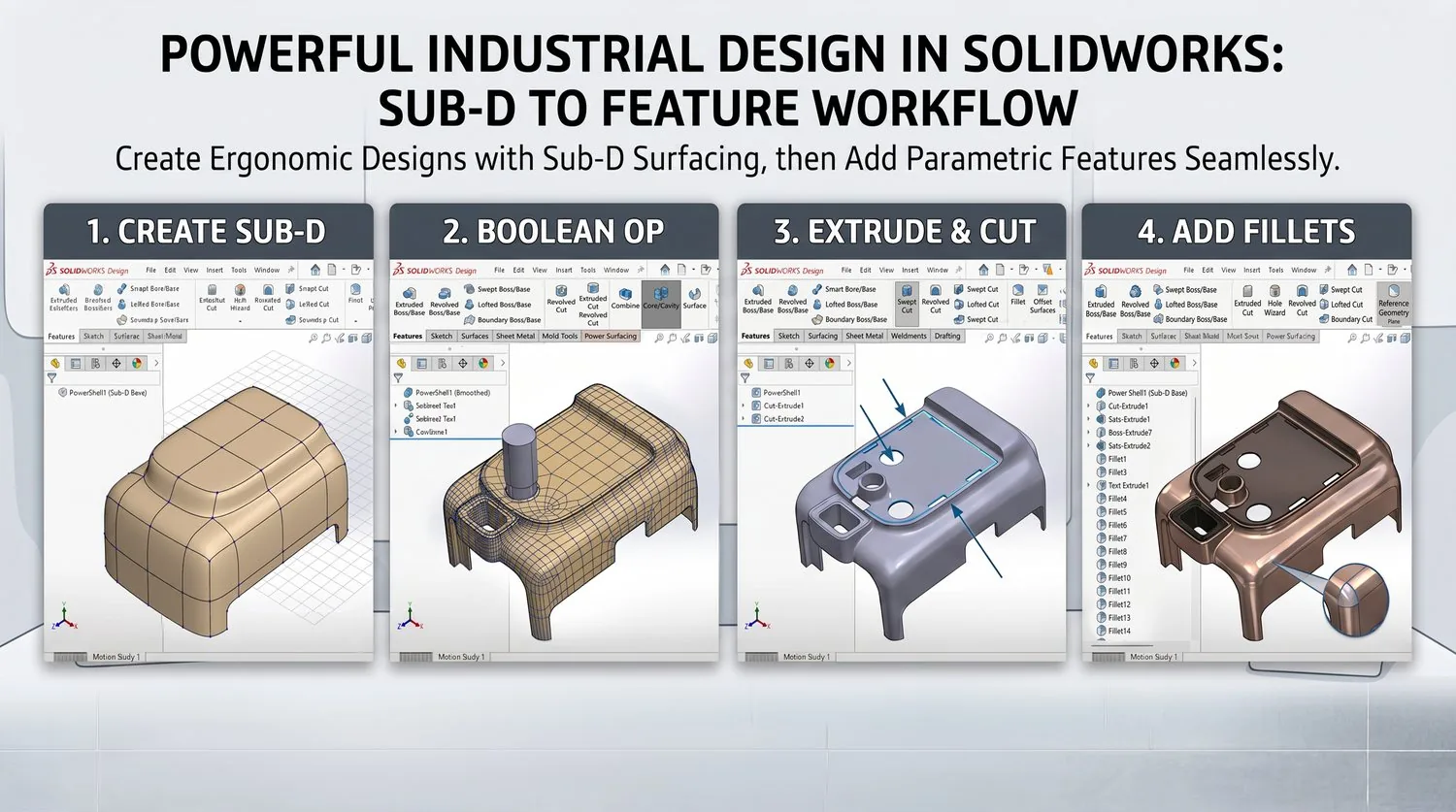
Create smooth, organic and ergonomic product shapes using intuitive push-pull Sub-D editing. Convert completed Sub-D models into NURBS surfaces and CAD bodies for detailed engineering and manufacturing.

Dimension-Driven and Feature-Based Modeling

Create constrained sketches, extrusions and other editable CAD features alongside freeform surface modeling. Combine analytic and organic geometry in one product-development workflow.

Sub-D Modeling Inside SOLIDWORKS

Create and edit freeform shapes directly inside SOLIDWORKS, then convert them into SOLIDWORKS surface or solid bodies integrated with the feature tree.

Advanced Shelling and Thickening

Create shells and offsets for complex geometry, including many cases where standard SOLIDWORKS Shell and Thicken operations fail.

Industries Served

Power Surfacing software is designed for industrial designers, mechanical engineers, reverse-engineering specialists and manufacturers working with complex product geometry.

  • Industrial and product design
  • Consumer products
  • Automotive and transportation
  • Medical devices and prosthetics
  • Manufacturing and tooling
  • 3D scanning and reverse engineering
  • Concept development and visualization

Supported Geometry and File Types

Power Surfacing workflows support polygon meshes, 3D scan data, STL files, sculpted meshes, Sub-D control cages, NURBS surfaces and CAD solids. Available export formats vary by product and include STEP, STL, Wavefront OBJ and native SOLIDWORKS features.

Frequently Asked Questions

What is Power Surfacing?

Power Surfacing is a family of CAD, Sub-D modeling and reverse-engineering software products for creating freeform surfaces, editable CAD geometry and mesh-to-CAD models.

Does Power Surfacing work with SOLIDWORKS?

Yes. Power Surfacing for SOLIDWORKS, Power Surfacing RE for SOLIDWORKS and Power Shell for SOLIDWORKS operate directly inside SOLIDWORKS. Power Surfacing Studio and Power Surfacing RE Studio are standalone Windows applications.

What is Sub-D modeling?

Subdivision-surface modeling is a method for creating smooth organic shapes by editing a relatively simple control cage. Power Surfacing converts completed Sub-D forms into CAD-compatible surface and solid geometry.

What is scan-to-CAD?

Scan-to-CAD is the process of reconstructing 3D scan or polygon mesh data as editable CAD surfaces and solids that can be modified, measured and used in engineering workflows.

Can Power Surfacing convert STL files to CAD?

Power Surfacing reverse-engineering products can use STL and other polygon mesh data as the basis for reconstructing editable CAD geometry. The exact workflow and output options depend on the selected product.

What is the difference between Power Surfacing Studio and Power Surfacing RE Studio?

Power Surfacing Studio focuses on standalone CAD, Sub-D surfacing, sketching and feature-based modeling. Power Surfacing RE Studio includes the Studio toolset and adds reverse-engineering capabilities for reconstructing scanned and polygonal mesh data.

What is the difference between Power Surfacing and Power Surfacing RE for SOLIDWORKS?

Power Surfacing for SOLIDWORKS focuses on freeform Sub-D design. Power Surfacing RE for SOLIDWORKS adds reverse-engineering tools for reconstructing scanned meshes, STL files and polygon models directly inside SOLIDWORKS.

Does Power Surfacing require SOLIDWORKS?

The standalone Studio products do not require SOLIDWORKS. The products specifically named “for SOLIDWORKS” operate as SOLIDWORKS add-ins.

Which Power Surfacing product should I choose?

Choose a standalone Studio product when you want an independent Windows application. Choose a SOLIDWORKS add-in when you want the modeling or reverse-engineering workflow integrated directly into SOLIDWORKS. Use the product comparison page for a detailed feature comparison.

Ready to Transform Your Workflow?

Choose a product, watch demos, or download a free trial to experience Power Surfacing for yourself.