CAD Visualization for Product Rendering
Import engineering CAD, clean up assemblies, and create product visuals with bundled KeyShot — or prepare and export meshes for Blender, Modo, 3ds Max, Maya, and other visualization packages.
Overview
Import engineering CAD models, convert CAD surfaces to visualization meshes with IntegrityWare’s tessellation engine, and create product visuals with KeyShot bundled. Power Surfacing Viz handles this workflow without a full CAD seat or a separate KeyShot license. Power Surfacing Studio and Power Surfacing RE Studio include the same Viz functionality plus the KeyShot render engine.
Typical Workflow Steps
- 1Import STEP, IGES, SAT, Rhino, SOLIDWORKS, OBJ, STL, or 3MF data
- 2Organize the assembly and hide unused parts
- 3Convert CAD surfaces to low-poly or high-density meshes with IntegrityWare’s multi-threaded tessellation engine
- 4Assign materials and clean up colors
- 5Create exploded views or simple positioning
- 6Render with bundled KeyShot, or prepare and export meshes for Blender, Modo, 3ds Max, Maya, gaming, VR, 3D printing, and other packages
Import Engineering CAD Without a Full CAD Seat
Bring in STEP, IGES, SAT, Rhino, SOLIDWORKS, OBJ, STL, and 3MF data for visualization. Power Surfacing Viz is a standalone Windows application, so a full CAD modeling license is not required to prepare models for product imagery.
Convert CAD Data to Visualization Meshes
Power Surfacing Viz uses IntegrityWare’s world-class tessellation engine to convert CAD surfaces into meshes. The engine leverages C# multi-threading so tessellation stays very fast on large assemblies and large complex parts. It can produce both low-poly models for gaming and virtual reality and high-density meshes for visualization and 3D printing.
Render with Bundled KeyShot
KeyShot is bundled with Power Surfacing Viz. You do not need to purchase a separate KeyShot license to create product visuals. Power Surfacing Studio and Power Surfacing RE Studio also include the full Viz functionality plus the KeyShot render engine.
Export for Downstream Visualization
Prepare visualization-quality meshes and export OBJ, STL, or glTF for other visualization packages such as Blender, Modo, 3ds Max, and Maya. You can also render in Viz with bundled KeyShot, or export to KeyShot.
Products for This Workflow
These Power Surfacing products support cad visualization workflows.
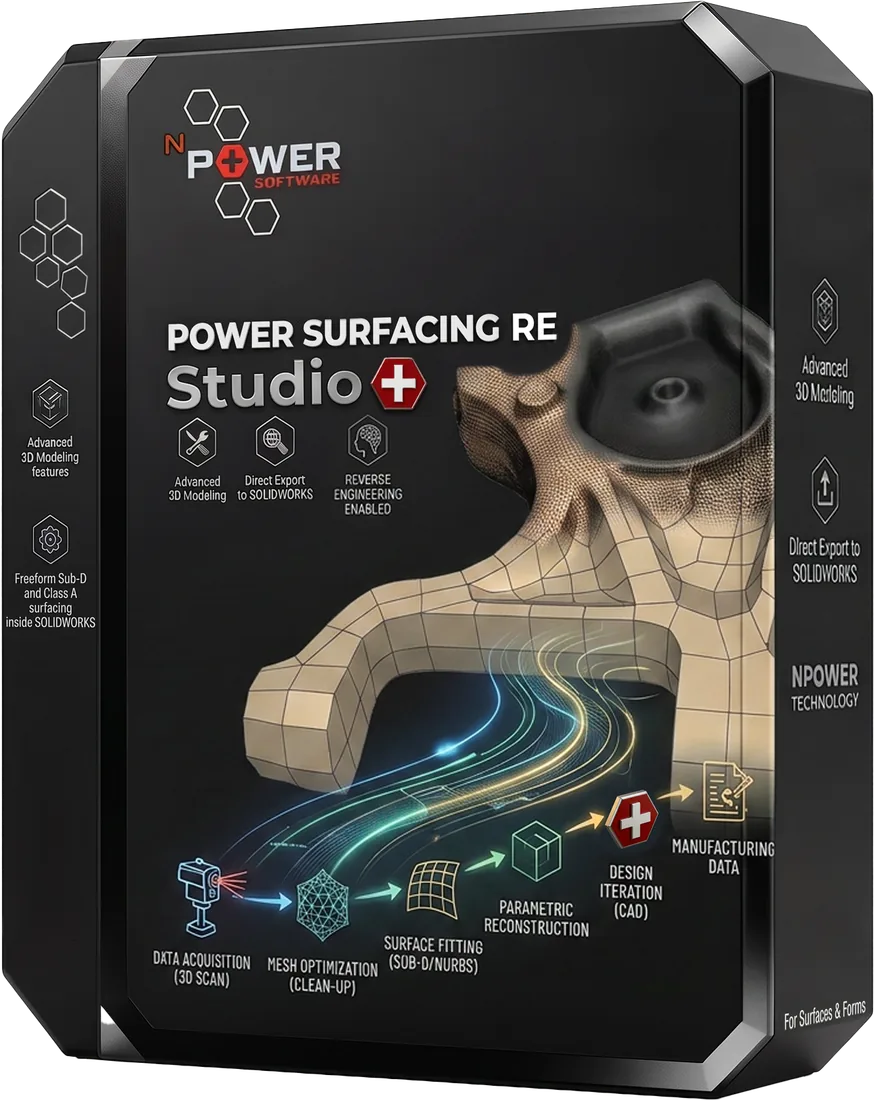
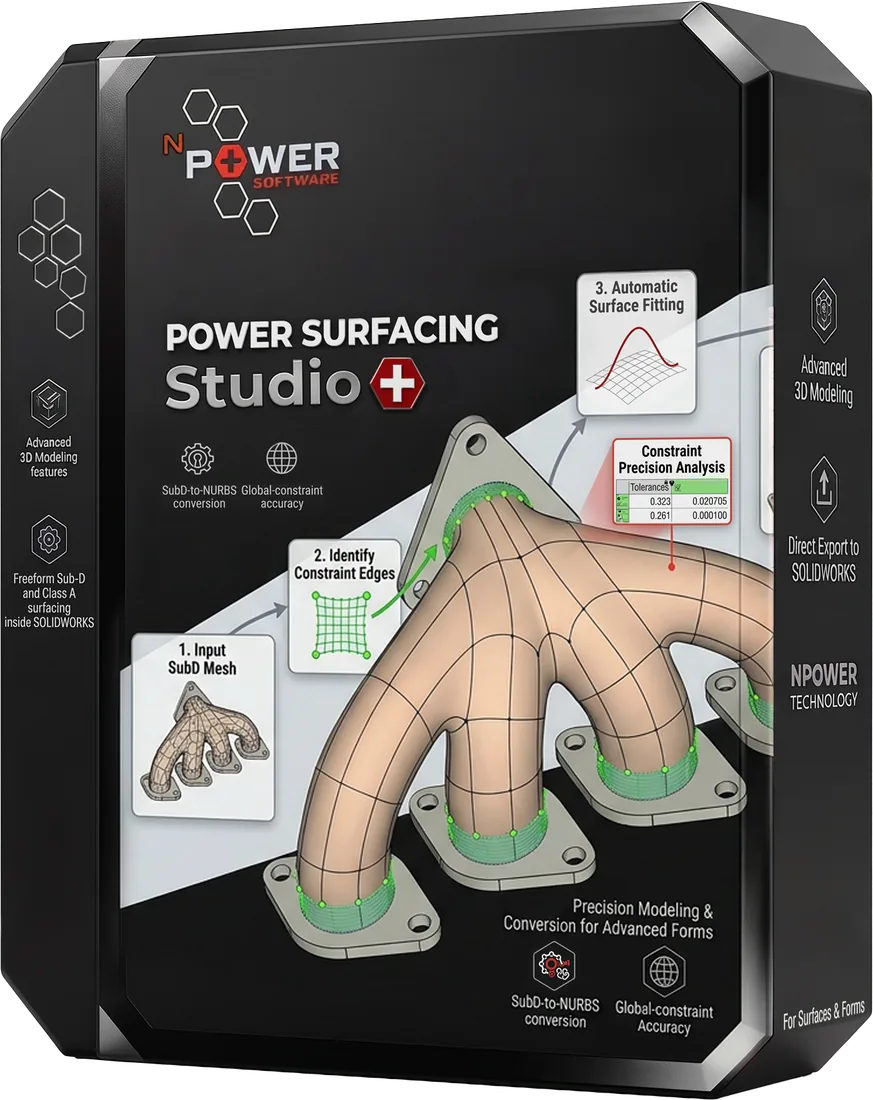
Power Surfacing RE Studio
Standalone reverse-engineering software for scanned and sculpted meshes
Learn morePower Surfacing Studio
Standalone freeform Sub-D and Class A surfacing design software
Learn morePower Surfacing Viz
CAD import, IntegrityWare tessellation, bundled KeyShot, and mesh export for Blender, Modo, 3ds Max, and Maya.
Learn moreFrequently Asked Questions
What is a CAD visualization workflow?
It is the path from an engineering CAD file to product visuals: import the model, convert CAD surfaces to meshes with IntegrityWare tessellation, clean up materials, then render or export. Power Surfacing Viz is built for that job.
Do I need a separate KeyShot license?
No. KeyShot is bundled with Power Surfacing Viz. Studio and RE Studio also include the KeyShot render engine, with no extra KeyShot license required.
Can I export meshes for Blender, Modo, 3ds Max, or Maya?
Yes. IntegrityWare’s tessellation engine converts CAD data to meshes — low-poly for gaming and virtual reality, or high-density for visualization and 3D printing. Prepare materials, visibility, and positioning in Viz, then export OBJ, STL, or glTF for Blender, Modo, 3ds Max, Maya, and other packages.
Which product should I use for CAD visualization?
Choose Power Surfacing Viz when you need CAD import, cleanup, and rendering without a full CAD seat. Choose Studio or RE Studio when you also need modeling or reverse engineering — both include the full Viz functionality plus KeyShot.
Try CAD Visualization Today
Download a free trial and experience this workflow for yourself.