From CAD to a clear product story
Render farm for CAD animation
Keep working on your scene while other computers render. The free Power Surfacing Render Worker processes queued images and animation batches on your local machine or across your own Windows render machines.
Start your free 30-day VIZ trialNo credit card required. Activate in the application.
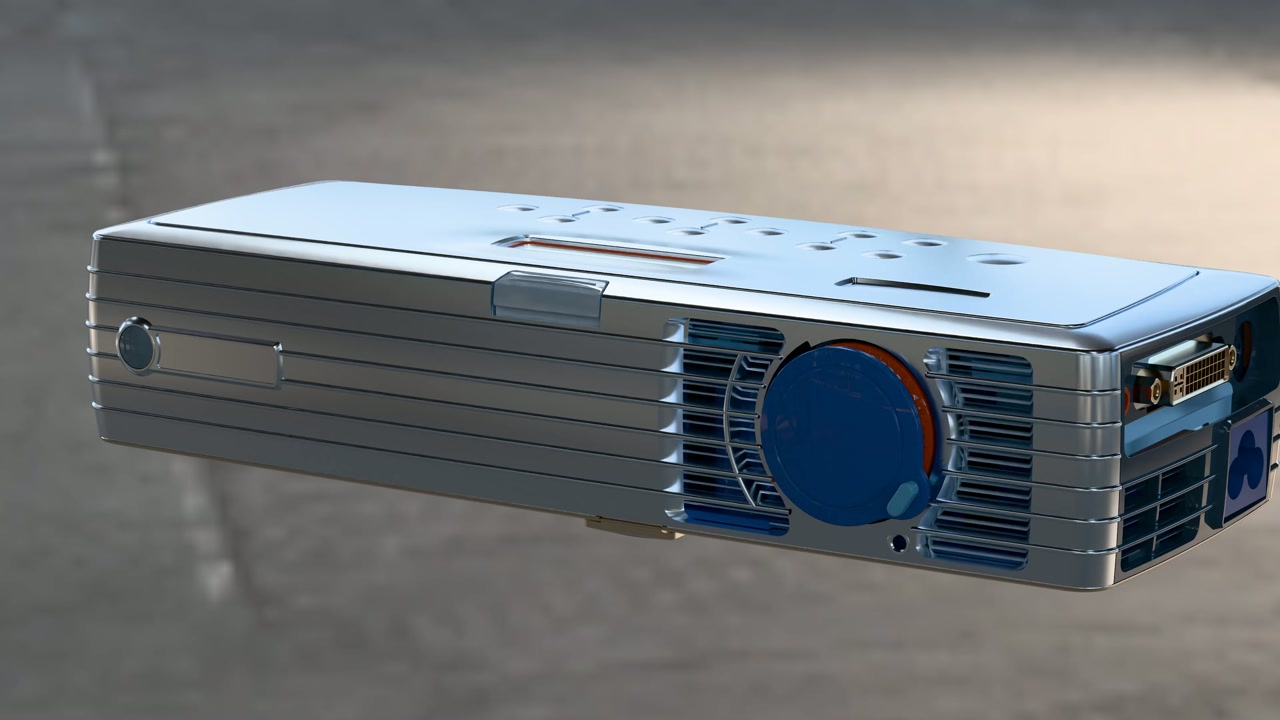
From model to result
-
01
Install the free Render Worker
Install it on an unlimited number of Windows rendering machines. No Render Worker license key is required; VIZ prepares and submits the jobs.
-
02
Connect a shared queue
Choose a folder that VIZ and each worker can read and write. Point the workers and the application to that same queue, then start the workers.
-
03
Submit and monitor the batch
Set the scene, resolution, frame range, and rendering options in VIZ. Submit the job and follow its progress in the Render Monitor bundled with VIZ.
Cycles and LuxCore runtimes are included with the Worker. CPU and supported GPU options depend on the engine and hardware; for large GPU-rendered assemblies, we recommend at least 8 GB of dedicated GPU memory.
AI Creating Animations in Power Surfacing VIZ
This walkthrough covers importing a model, preparing and refining an animation, and rendering it on a remote machine.
Watch on YouTubeTry it with your own model
Download VIZ, open the licensing dialog, select Power Surfacing Viz, and verify your email to start a 30-day evaluation. No automatic purchase follows the trial.