From CAD to a clear product story
SOLIDWORKS product visualization
Take a SOLIDWORKS design from engineering to product imagery. Use Power Surfacing VIZ to prepare materials, lighting, camera views, and animations without tying up a full CAD seat for rendering.
Start your free 30-day VIZ trialNo credit card required. Activate in the application.
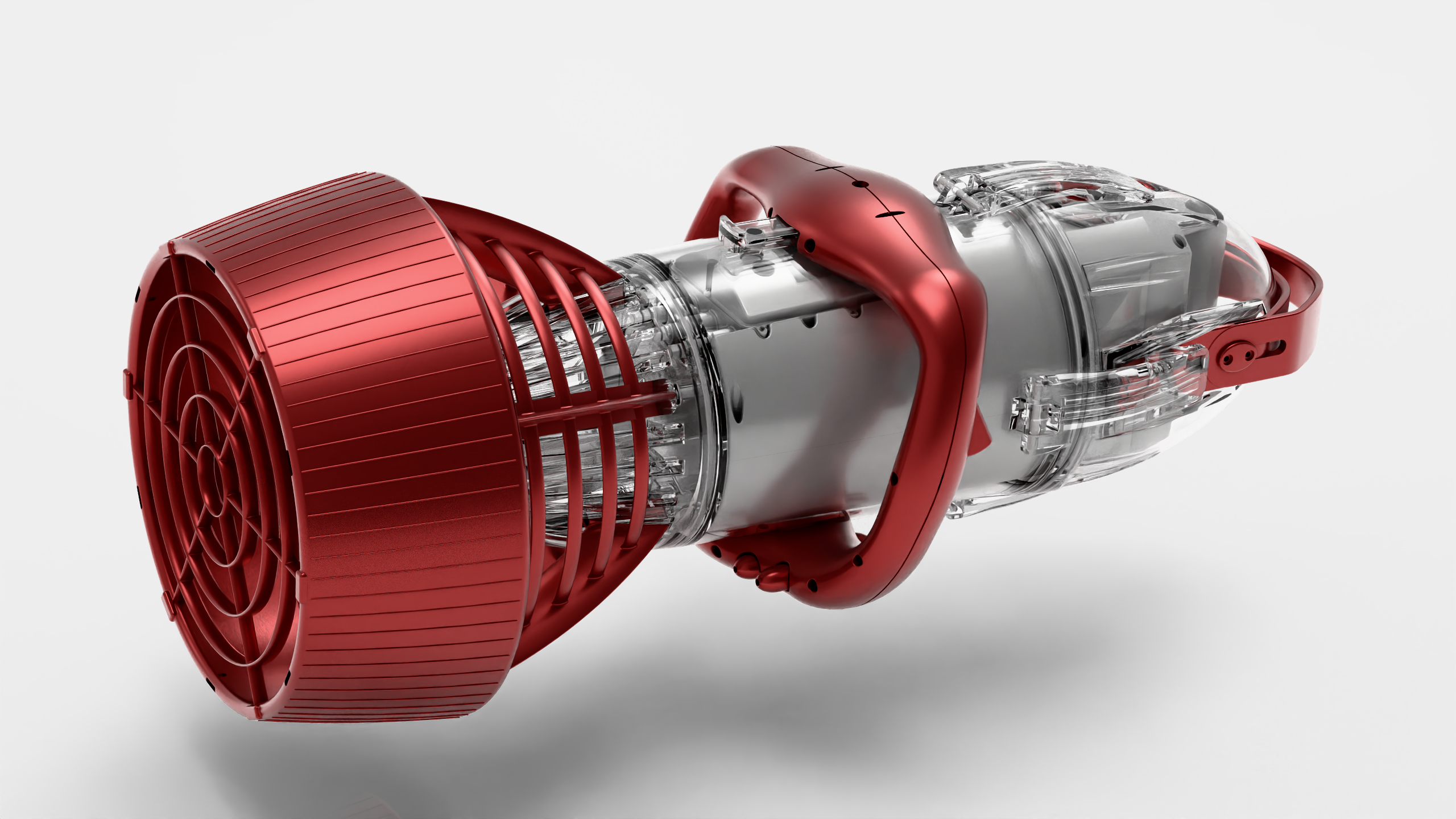
From model to result
-
01
Bring in the design
Use a STEP export from SOLIDWORKS, or open supported native SOLIDWORKS files or receive a direct export where your licensing supports it. VIZ itself runs without a SOLIDWORKS installation or license.
-
02
Prepare the product story
Assign materials, set lighting, and choose camera views. Use transparency or section views to reveal internal components, or keyframes to explain assembly and operation.
-
03
Render for your audience
Create product stills with LuxCore or bundled KeyShot, and use Cycles for animated presentations. Submit larger batches to the free Render Worker.
VIZ is a standalone visualization application. The Power Surfacing for SOLIDWORKS modeling add-in is a separate product. Native SOLIDWORKS import and direct-transfer availability depend on licensing; STEP provides a straightforward exchange path.
A dedicated SOLIDWORKS product visualization walkthrough is coming soon. Explore the VIZ tutorials to get started today.
Try it with your own model
Download VIZ, open the licensing dialog, select Power Surfacing Viz, and verify your email to start a 30-day evaluation. No automatic purchase follows the trial.