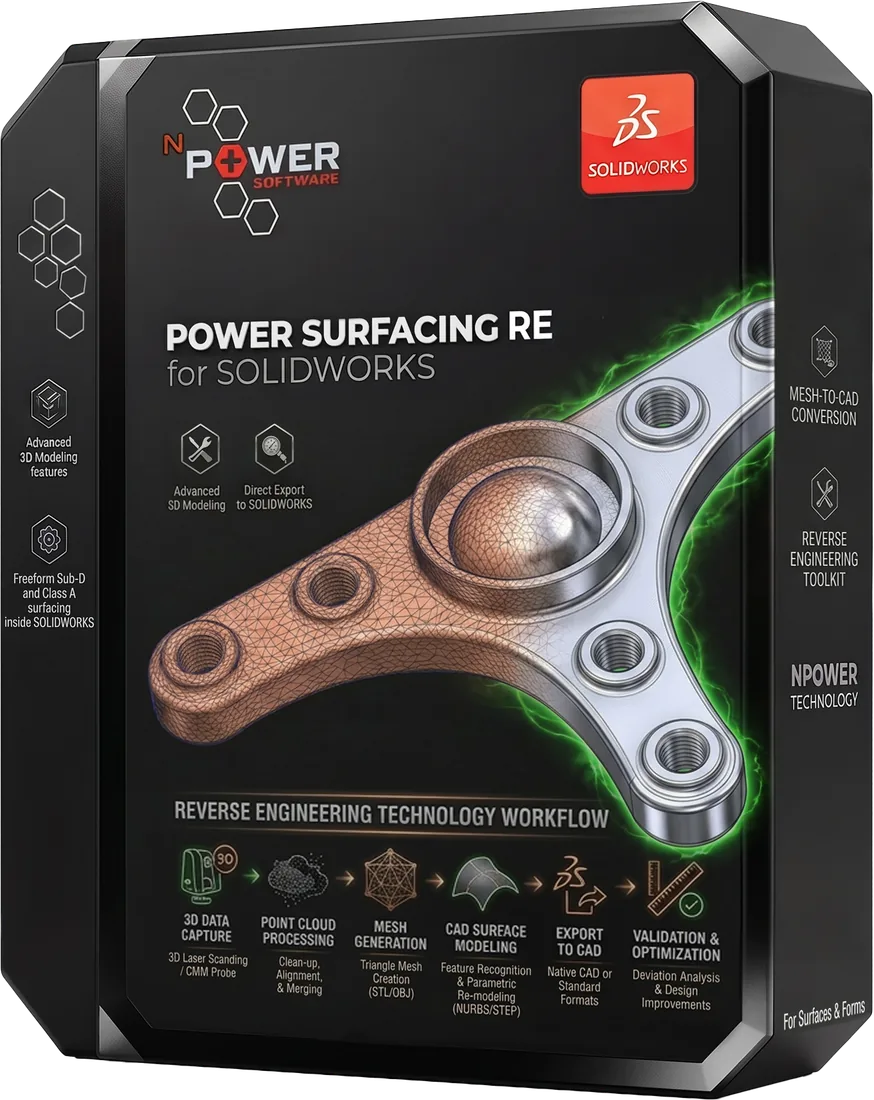
Power Surfacing RE for SOLIDWORKS
Power Surfacing RE gives SOLIDWORKS users a unique set of tools to rebuild shapes from many meshes — 3D scans, FEA meshes, sculpted meshes, 3D printer files, and online model databases — directly inside SOLIDWORKS, without leaving your native CAD environment. It is primarily targeted at reverse engineering organic data; mechanical data is reconstructed using native SOLIDWORKS tools.
Reverse engineer scanned and polygonal meshes inside SOLIDWORKS
Power Surfacing RE gives SOLIDWORKS users a unique set of tools to rebuild shapes from many meshes — 3D scans, FEA meshes, sculpted meshes, 3D printer files, and online model databases — directly inside SOLIDWORKS, without leaving your native CAD environment. It is primarily targeted at reverse engineering organic data; mechanical data is reconstructed using native SOLIDWORKS tools.
Try Power Surfacing RE FreeWhat Our Customers Say
"I was able to convert the very complex scan I was working with to a usable surface. It made the workload MUCH easier and I have been able to save at least 40 hours of CAD in this project. Power Surfacing RE has been extremely helpful."
Justin Lefebvre
Derby Building Products Inc.
"Your Power Surfacing RE has been an amazing (and fun) tool to work with. Thanks again for the amazing software — Power Surfacing makes my job fun!"
Jesse Maier
Maier Manufacturing, Inc.
"We have some recent successes after the implementation of Power Surfacing which has — in a particular project — phenomenally reduced the time to get parts to tooling, by approximately 4 weeks!"
Gavin Colgan-Smith
ARB Corporation Ltd
Who Is It For
SOLIDWORKS users who need reverse engineering
Engineers working with 3D scanner data
Teams rebuilding legacy parts with no original CAD data
Manufacturing engineers using Topology Optimization studies
Designers needing to convert sculpted (ZBrush, etc.) meshes into a precise CAD NURBS representation
Key Benefits
Patent-pending technology captures fine scan detail without bloating model size
Follows curvature and flow lines so creases and ridges aren't washed out
Includes the full Power Surfacing toolset at no extra cost
Automated tools to find and fix scan anomalies like tears and holes
Directly converts SOLIDWORKS Topology Study results into solids
Key Features
Use Cases
Reverse engineering 3D scanner data directly in SOLIDWORKS
Converting ZBrush sculpted meshes into SOLIDWORKS geometry
Rebuilding parts from FEA and 3D printer mesh files
Recreating or modifying existing SOLIDWORKS parts from meshes
Converting SOLIDWORKS Topology Optimization studies into solids
Pricing
Single Seat License
$3,995
Perpetual license for one user
Network License
$4,995
Floating license shared across your team
Annual Maintenance
$795/year
Updates and support
Videos
All Videos
Power Surfacing RE 5.0 Overview
Power Surfacing RE for SOLIDWORKS
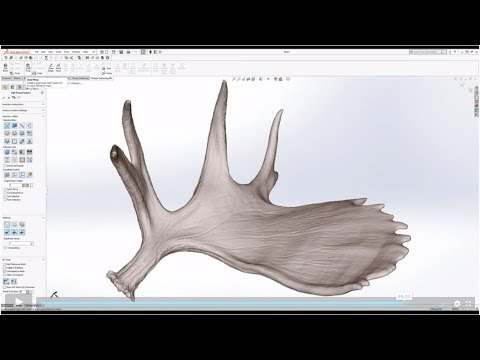
Reverse Engineering Scanned Meshes in SOLIDWORKS
Power Surfacing RE for SOLIDWORKS
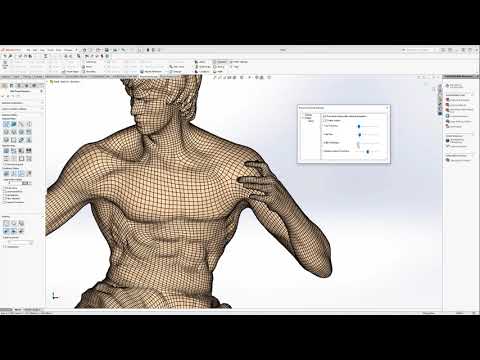
Converting ZBrush Meshes to SOLIDWORKS (ZBrush Remesher)
Power Surfacing RE for SOLIDWORKS
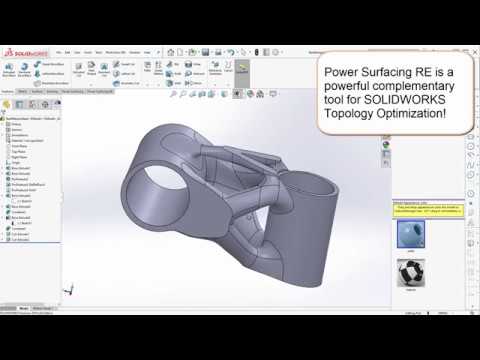
Working with Topology Study Meshes
Power Surfacing RE for SOLIDWORKS
Start Using Power Surfacing RE Today
Download a free trial of Power Surfacing RE for SOLIDWORKS and experience the difference.