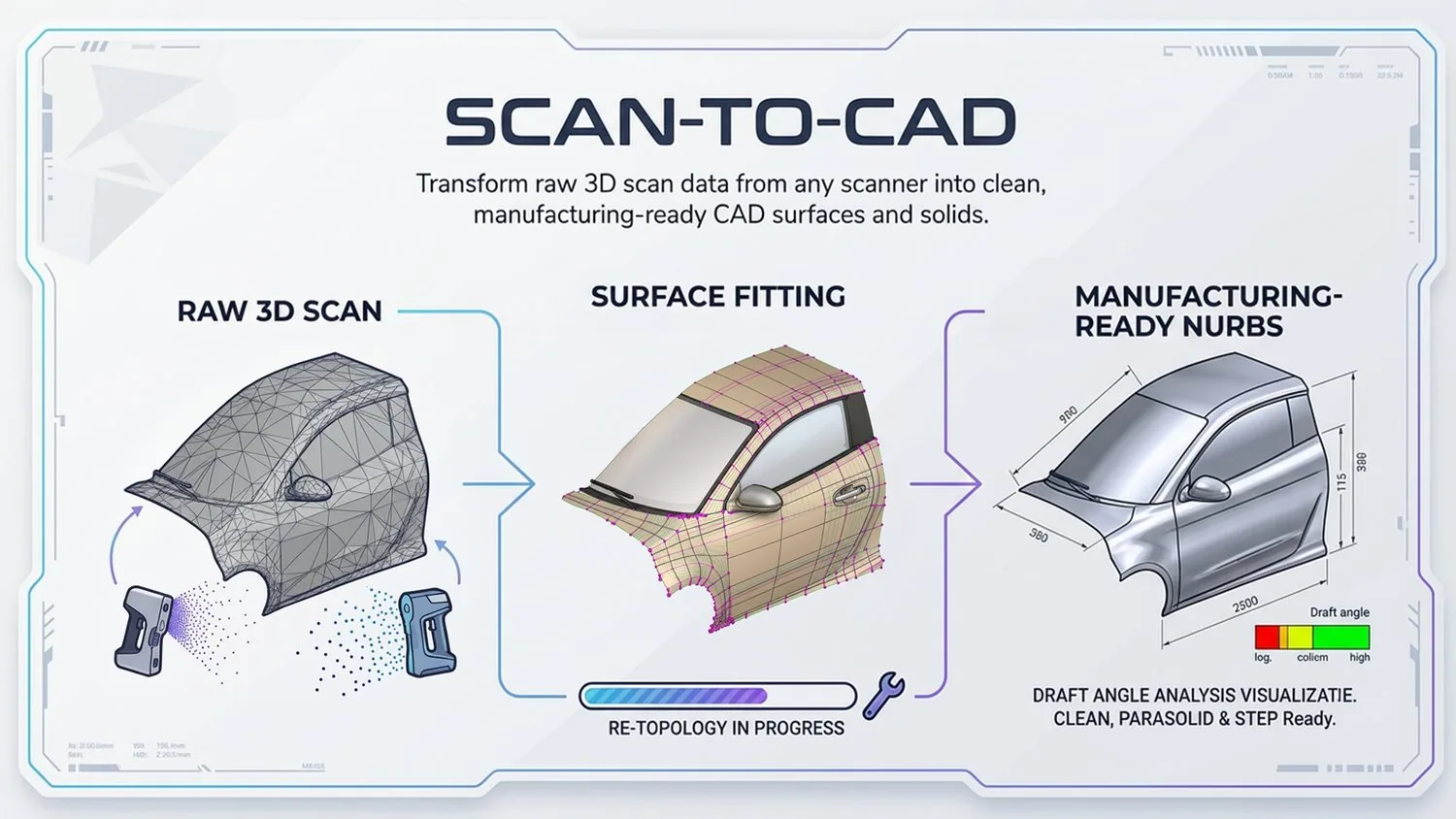
Scan-to-CAD Software for Parametric Models
Transform raw 3D scan data from any scanner into clean, manufacturing-ready CAD surfaces and solids.
Overview
Transform raw 3D scanner output into clean, manufacturing-ready CAD surfaces and solids. Power Surfacing handles point clouds, mesh data, and scan artifacts to produce high-quality NURBS geometry.
Typical Workflow Steps
- 1Import scan data from any 3D scanner
- 2Align and register multiple scans
- 3Process and clean mesh data
- 4Fit precision NURBS surfaces
- 5Output solid or surface CAD models
Convert 3D Scan Data Into Editable CAD
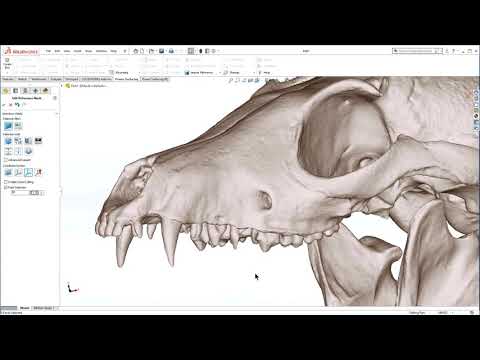
Scan-to-CAD software bridges the gap between a 3D scanner and your CAD system. Power Surfacing imports STL and OBJ scan meshes — and OBJ point clouds in RE Studio — and converts them into editable NURBS surfaces and solids instead of leaving you with uneditable polygon data.
Extract Mechanical Features From Scan Data
Mechanical parts are built from analytic geometry. Power Surfacing RE Studio automatically identifies and parameterizes planes, cylinders, spheres, and cones in the scan, so prismatic regions come back as true analytic features rather than approximated freeform patches.
Create Parametric Solids and Surfaces
Because RE Studio includes the complete Power Surfacing Studio toolset, reconstructed geometry combines with dimension-driven sketches and a feature-based construction history — producing a genuinely parametric CAD model you can keep designing on.
Validate the Model Against the Original Scan
A distance display measures the deviation between the reconstructed surfaces and the reference scan mesh, so you can confirm accuracy before the model moves downstream.
Export to Downstream CAD Systems
Finished models export to STEP, IGES, and SAT for any CAD system, or convert directly into native SOLIDWORKS solid and surface bodies with the Power Surfacing RE add-in.
Products for This Workflow
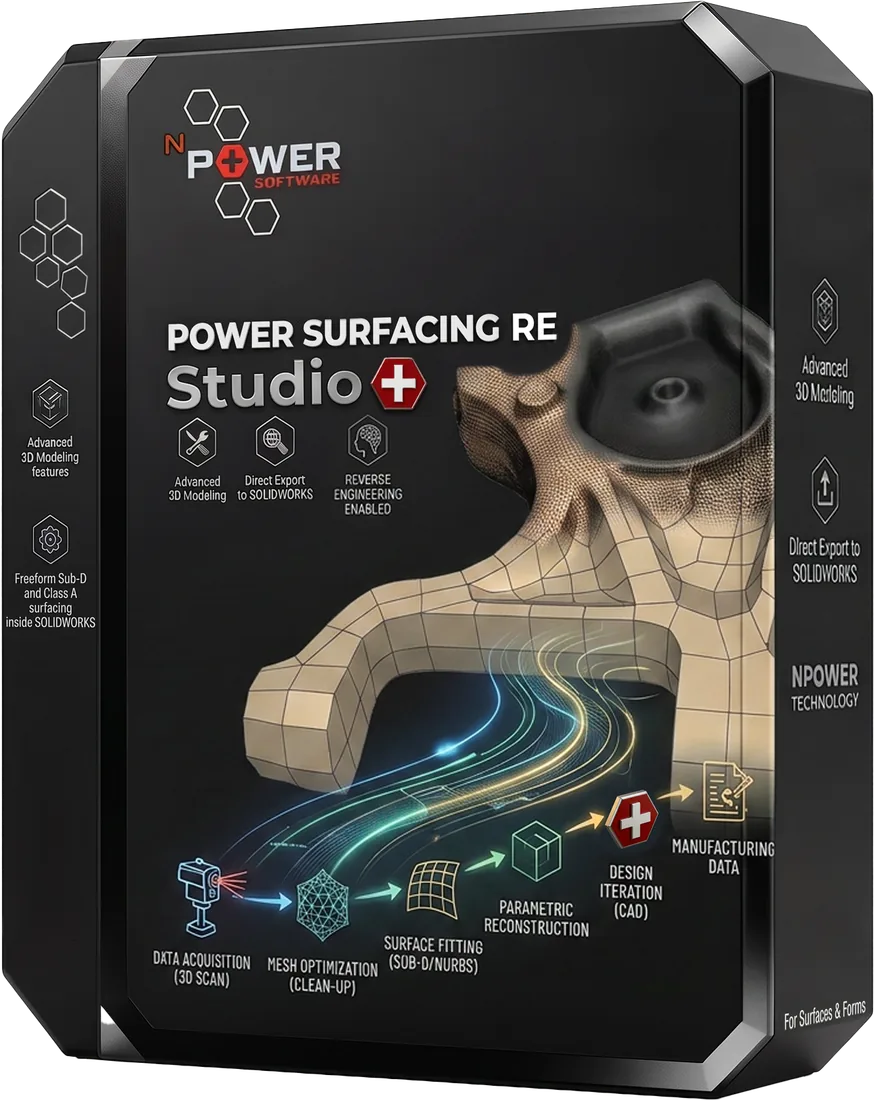
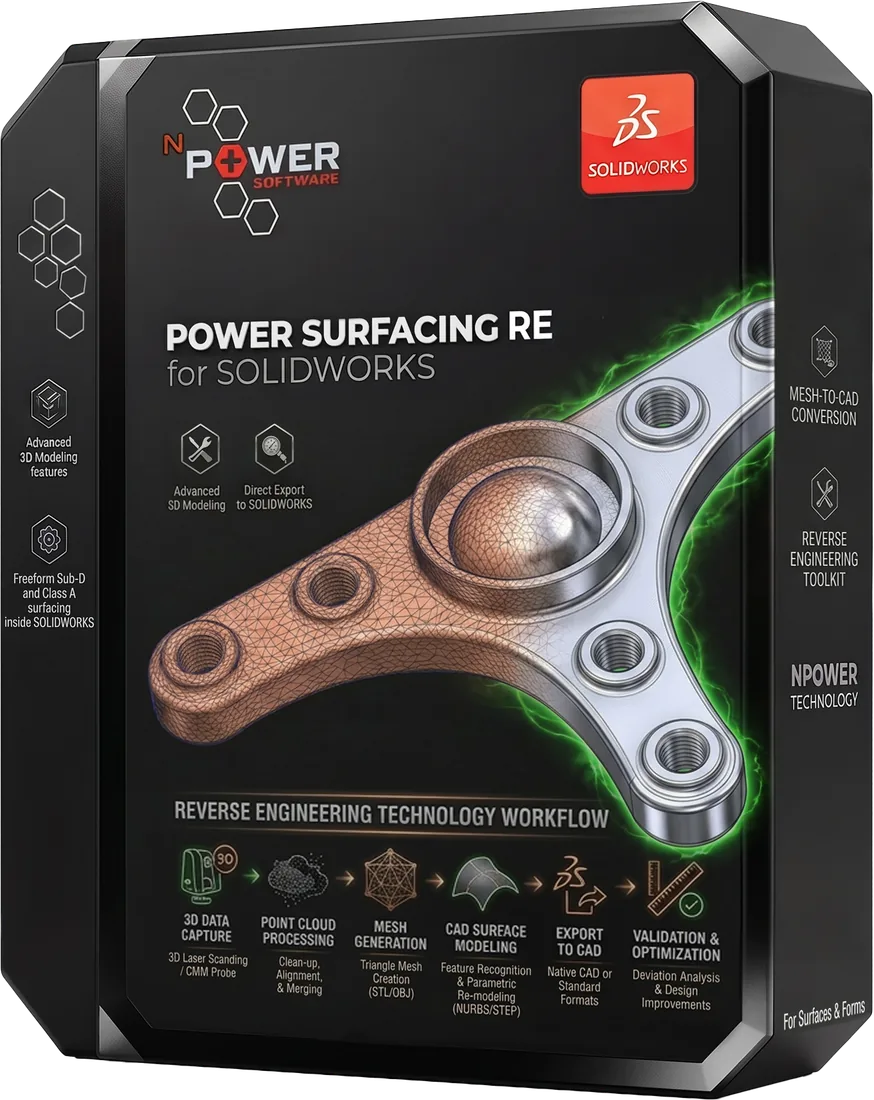
These Power Surfacing products support scan-to-cad workflows.
Frequently Asked Questions
What is scan-to-CAD software?
Scan-to-CAD software converts raw 3D scanner output — mesh or point data — into clean CAD surfaces and solids that can be edited, dimensioned, and manufactured, rather than leaving you with an uneditable polygon mesh.
Can scan data become a parametric CAD model?
Yes. Power Surfacing RE Studio includes the full Power Surfacing Studio toolset, so reconstructed geometry can be combined with dimension-driven sketches and a feature-based construction history.
Which 3D scanners are supported?
Any scanner that exports STL or OBJ files. OBJ point clouds are also supported in Power Surfacing RE Studio.
Is a trial or product demonstration available?
Yes. Free trial downloads are available for every Power Surfacing product, and recorded demos are available in the video library.
Try Scan-to-CAD Today
Download a free trial and experience this workflow for yourself.