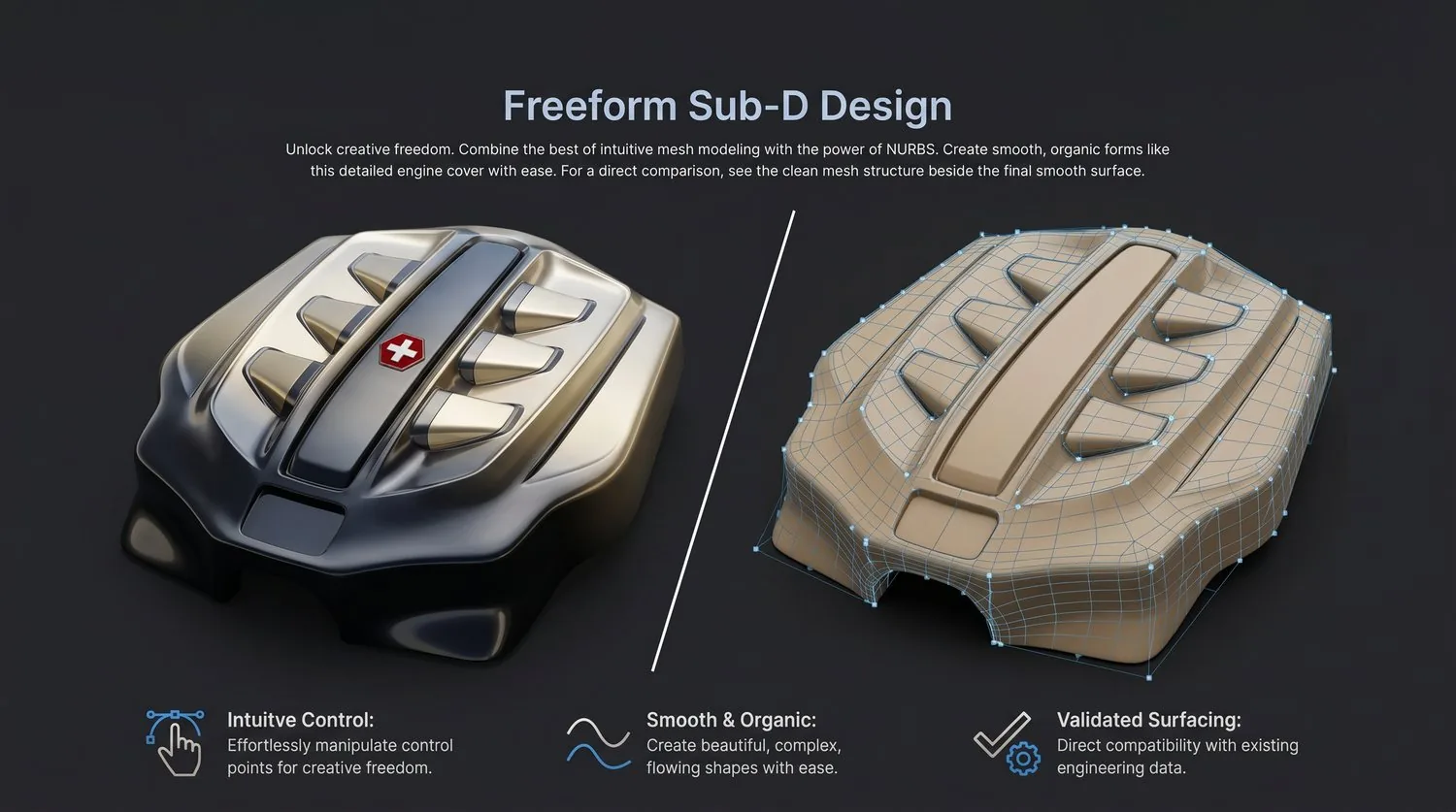
Freeform Sub-D Design
Use subdivision surface modeling to create smooth, organic freeform shapes with intuitive control.
Overview
Use subdivision surface modeling to create smooth, organic freeform shapes with intuitive push-pull control. Sub-D provides artistic freedom with engineering-grade surface output.
Typical Workflow Steps
- 1Start with a Sub-D primitive or mesh
- 2Push, pull, and sculpt vertices
- 3Add edge loops and creases for detail
- 4Preview smooth limit surface in real time
- 5Convert to NURBS or solid body
Products for This Workflow
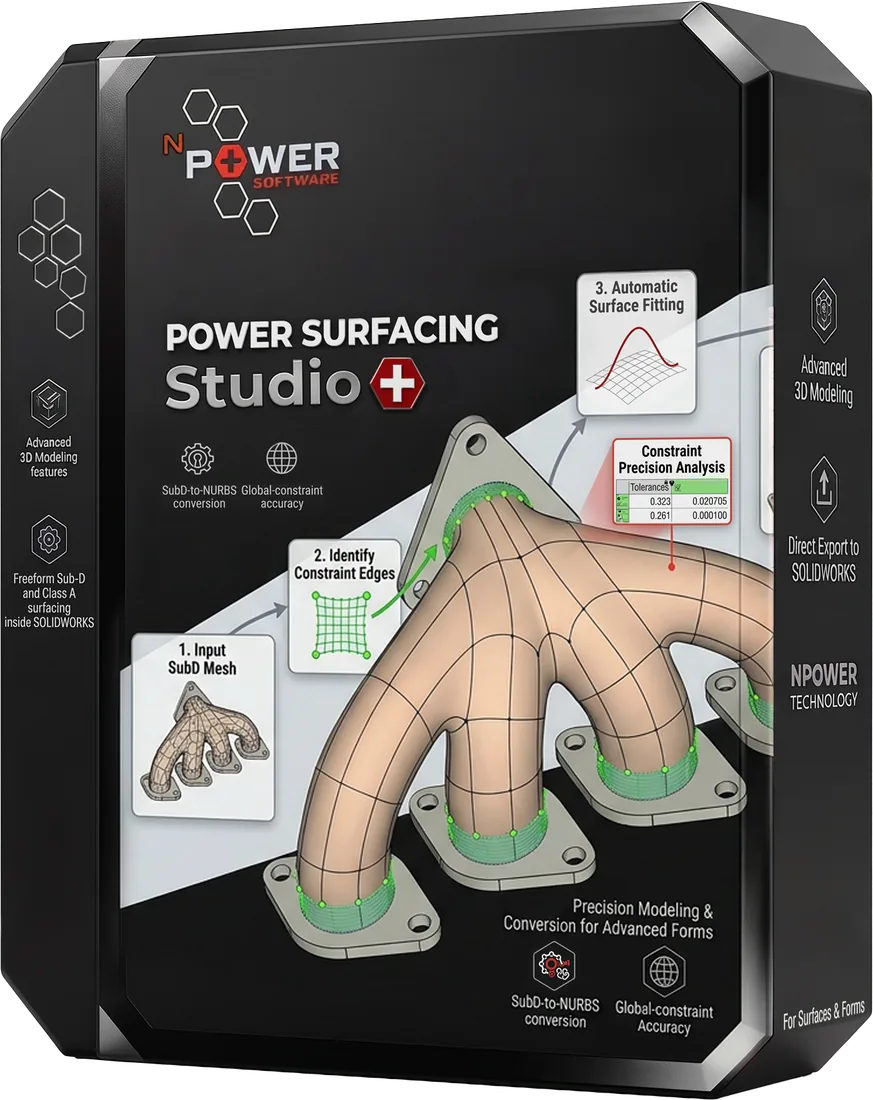
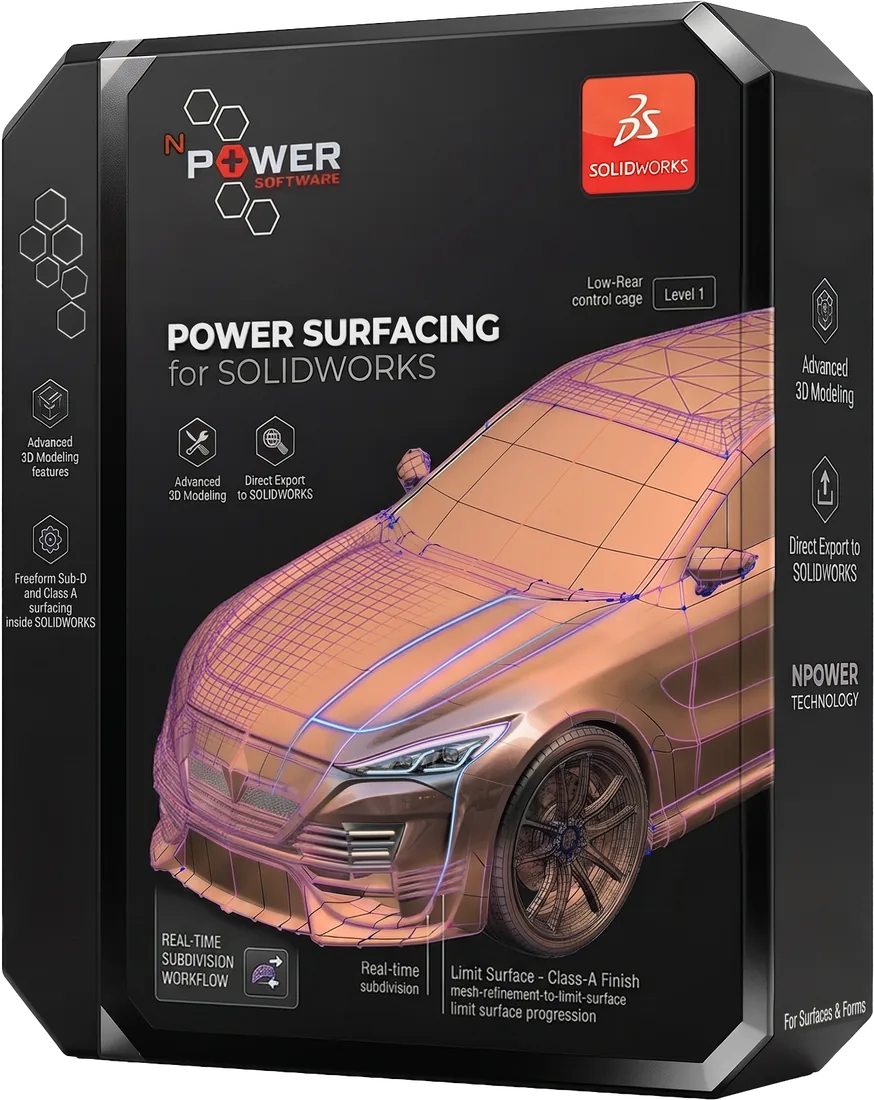
These Power Surfacing products support freeform sub-d design workflows.
Related Videos
Power Surfacing Technology Overview
Power Surfacing Studio
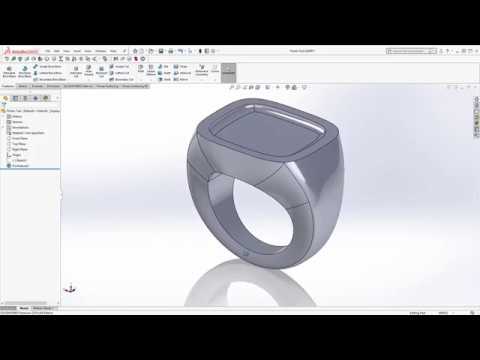
Signet Ring Build
Power Surfacing Studio
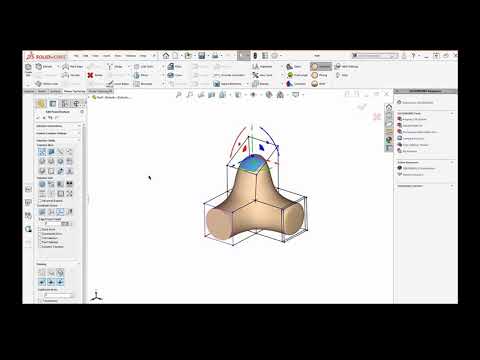
Understanding the Gizmo
Power Surfacing for SOLIDWORKS
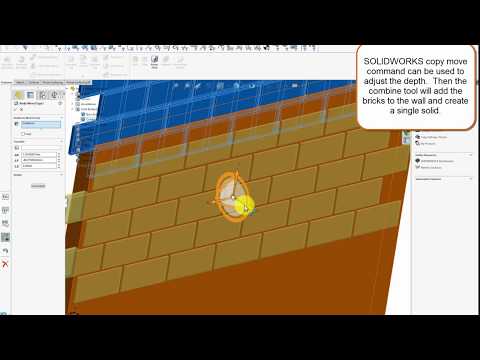
Embossed Brick Pattern Tutorial
Power Surfacing for SOLIDWORKS
Frequently Asked Questions
What is Sub-D modeling?
Subdivision surface (Sub-D) modeling lets you push, pull, and sculpt a control cage while previewing a smooth limit surface in real time — like working with digital clay.
Can Sub-D surfaces become NURBS?
Yes. Sub-D geometry converts to Brep NURBS with G2 edge continuity, suitable for manufacturing and downstream CAD systems.
Do I need SOLIDWORKS for Sub-D design?
No. Power Surfacing Studio is a complete standalone application. Power Surfacing for SOLIDWORKS offers the same Sub-D approach inside SOLIDWORKS.
Try Freeform Sub-D Design Today
Download a free trial and experience this workflow for yourself.