Convert STL Files Into Editable CAD and STEP
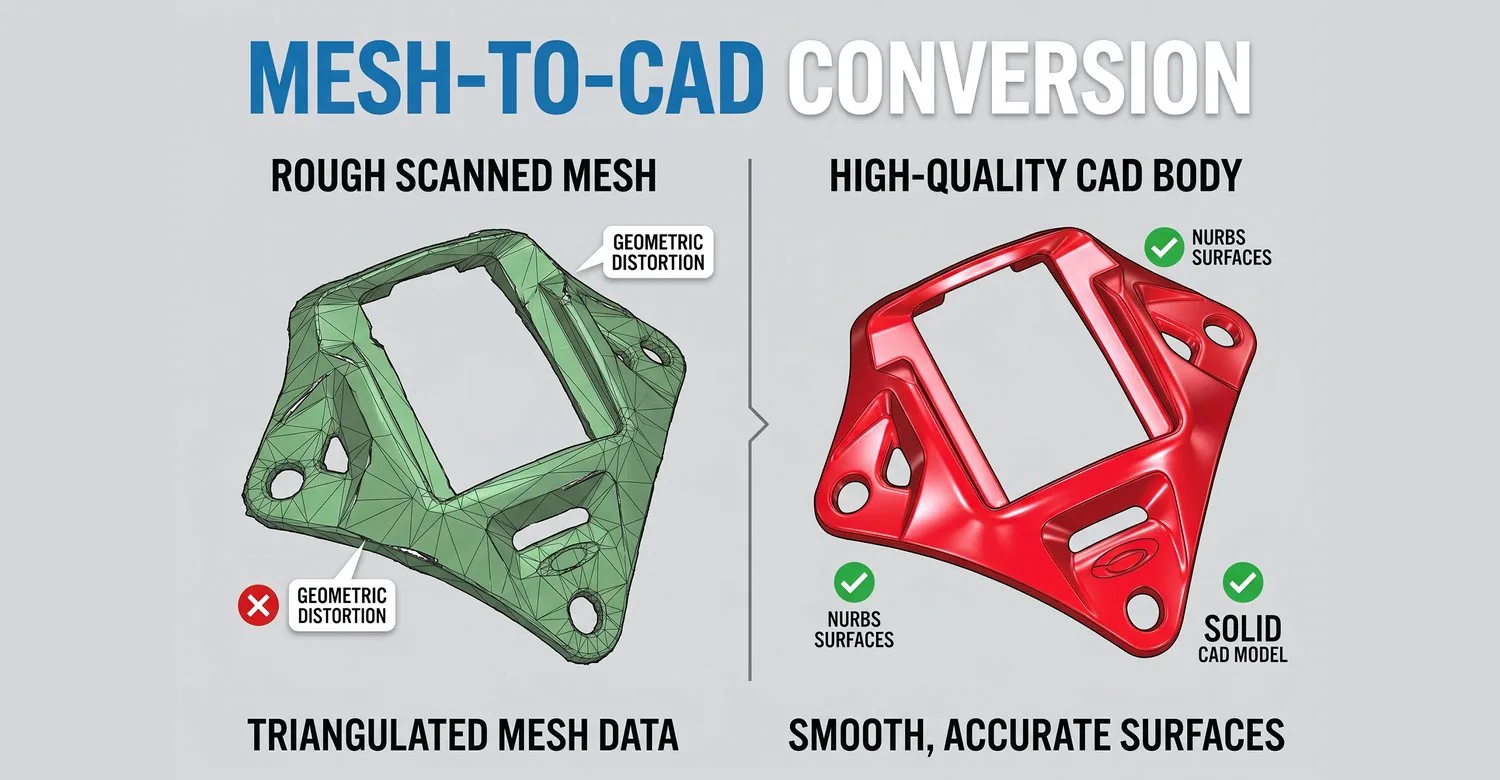
Convert STL and OBJ files into genuinely editable CAD and STEP models — rebuilt surfaces and solids, not wrapped polygons.
Overview
Import STL and OBJ files and convert them into editable, parametric CAD geometry suitable for manufacturing, simulation, and downstream design work. Unlike simply placing a polygon mesh inside a CAD file — which leaves you with uneditable facets — Power Surfacing reconstructs genuinely editable surfaces and solids that can be shelled, filleted, dimensioned, and exported to STEP.
Typical Workflow Steps
- 1Open STL or OBJ file
- 2Inspect and repair mesh quality
- 3Select surface fitting regions
- 4Generate NURBS surfaces
- 5Create solid body from surfaces
Mesh Import Is Not CAD Reconstruction
Most CAD systems can open an STL file — but what you get is thousands of uneditable polygon facets sitting inside a CAD document. Converting STL to editable CAD means reconstructing the geometry: real surfaces and solids that respond to shelling, filleting, dimensioning, and every other CAD operation.
How STL Reconstruction Works
Power Surfacing repairs the mesh, runs automatic Quad Wrap retopology that follows curvature flow, and converts the resulting Sub-D structure into NURBS surfaces with G2 edge continuity. Analytic regions — planes, cylinders, spheres, cones — are automatically recognized and parameterized in RE Studio.
STL to STEP and Native SOLIDWORKS Output
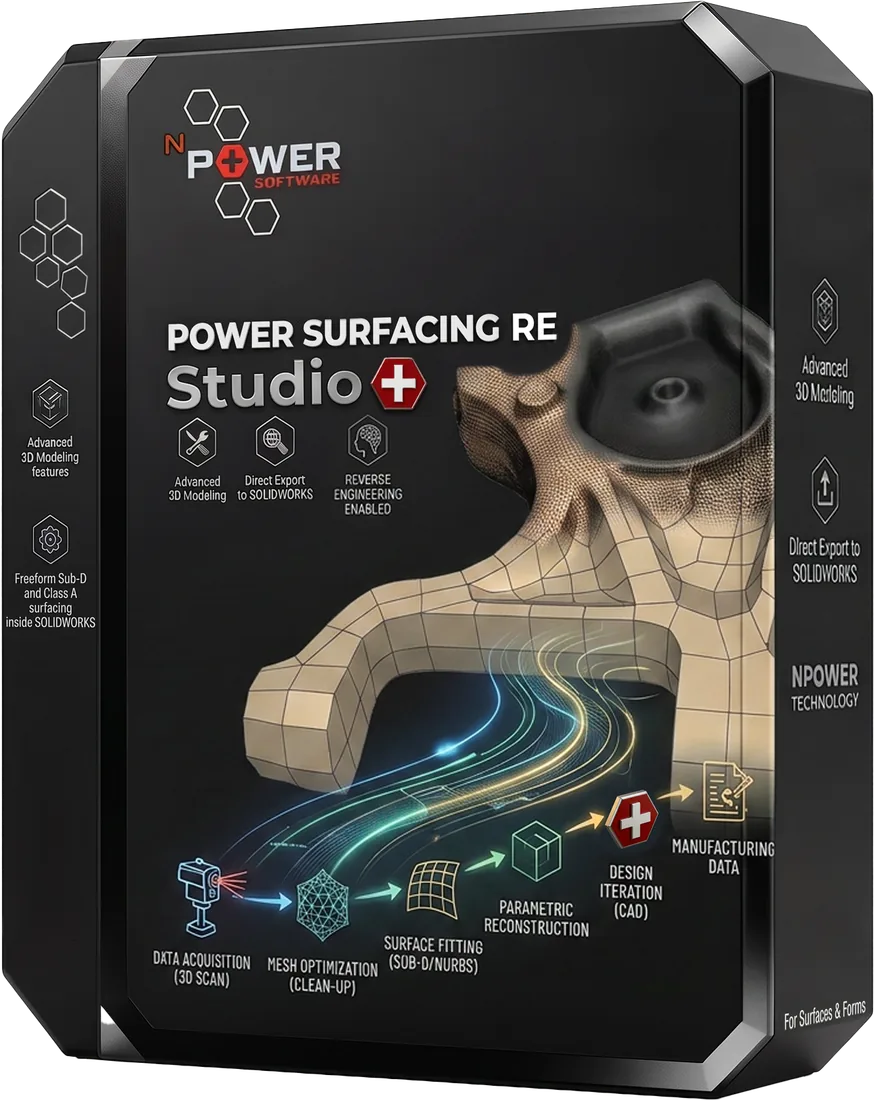
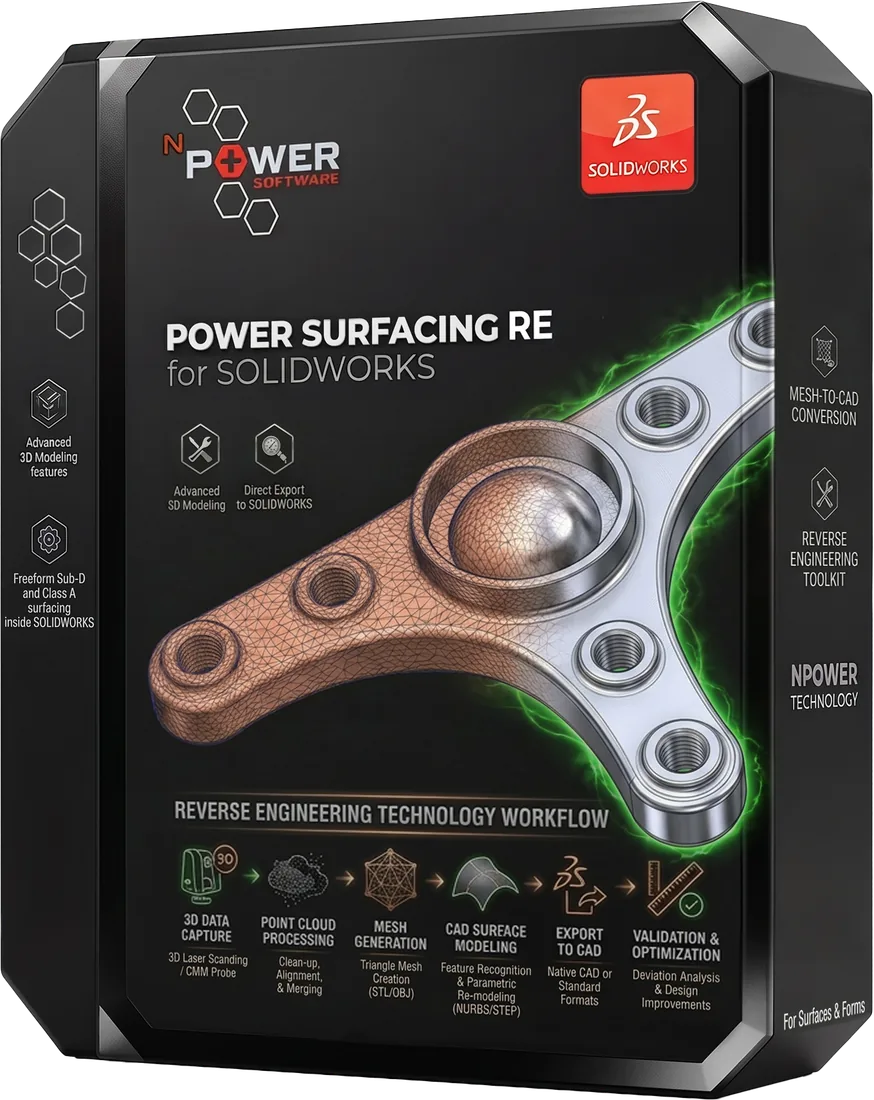
Power Surfacing RE Studio exports the reconstructed model to STEP, IGES, and SAT for use in any downstream CAD system. Power Surfacing RE for SOLIDWORKS skips the file exchange entirely and creates native solid and surface bodies in the SOLIDWORKS feature tree.
Products for This Workflow
These Power Surfacing products support stl to editable cad workflows.
Frequently Asked Questions
Can an STL file be converted into a parametric CAD model?
Yes. Power Surfacing RE Studio converts STL meshes into NURBS solids and surfaces, and its dimension-driven, feature-based toolset lets you continue modeling parametrically on top of the reconstructed geometry.
Can STL be converted to STEP?
Yes. Power Surfacing RE Studio exports reconstructed geometry to STEP, as well as IGES and SAT.
Why not just insert the STL into my CAD system?
Inserting an STL places uneditable polygon facets inside a CAD file. Reconstruction rebuilds real surfaces and solids — geometry you can shell, fillet, dimension, and modify like any native CAD model.
Try STL to Editable CAD Today
Download a free trial and experience this workflow for yourself.