A QUICKSURFACE Alternative for Scan-to-CAD
A factual look at Power Surfacing for buyers comparing reverse-engineering software — covering mesh editing, feature extraction, parametric modeling, and freeform surfacing.
QUICKSURFACE is a trademark of its respective owner. nPower Software and this website are not affiliated with, endorsed by, or sponsored by QUICKSURFACE. Competitor details below are intentionally marked "Not verified" or "Contact vendor" rather than guessed.
Side-by-Side Comparison Areas
The table lists verified Power Surfacing capabilities alongside the areas buyers typically compare. Verify competitor capabilities directly with the vendor before making a decision.
| Area | Power Surfacing | QUICKSURFACE |
|---|---|---|
| Input data | STL and OBJ meshes, OBJ point clouds, 3D scans, sculpted meshes, SOLIDWORKS Topology Study meshes | Not verified — refer to vendor documentation |
| Mesh editing | Mesh repair, smoothing, hole filling, Mesh Offset, and Shrink Wrap detail capture | Not verified |
| Feature extraction | Automatic identification and parameterization of planes, cylinders, spheres, and cones | Not verified |
| Parametric modeling | Dimension-driven sketching and feature-based construction history (full Power Surfacing Studio toolset included in RE Studio) | Not verified |
| Freeform surfacing | Automatic Quad Wrap retopology and Sub-D to NURBS conversion with G2 edge continuity | Not verified |
| CAD output & integration | STEP, IGES, SAT export; direct SOLIDWORKS add-in creating native bodies in the feature tree | Not verified |
| Licensing | Perpetual licenses or annual subscriptions with publicly listed pricing | Contact vendor |
| Deployment | Windows desktop application | Contact vendor |
Dig deeper into the workflows: see converting meshes to editable CAD, the 3D scan to SOLIDWORKS workflow, or the Geomagic Design X comparison. Full pricing and licensing is published openly.
Reverse-Engineering Products to Evaluate
Frequently Asked Questions
How does Power Surfacing compare with QUICKSURFACE?
Both address scan-to-CAD reverse engineering. Power Surfacing offers automatic Quad Wrap retopology, analytic feature extraction, hybrid Sub-D / parametric NURBS modeling, STEP/IGES/SAT export, and a direct SOLIDWORKS add-in. For QUICKSURFACE capabilities and pricing, consult the vendor directly.
Does Power Surfacing integrate directly with CAD, or export files?
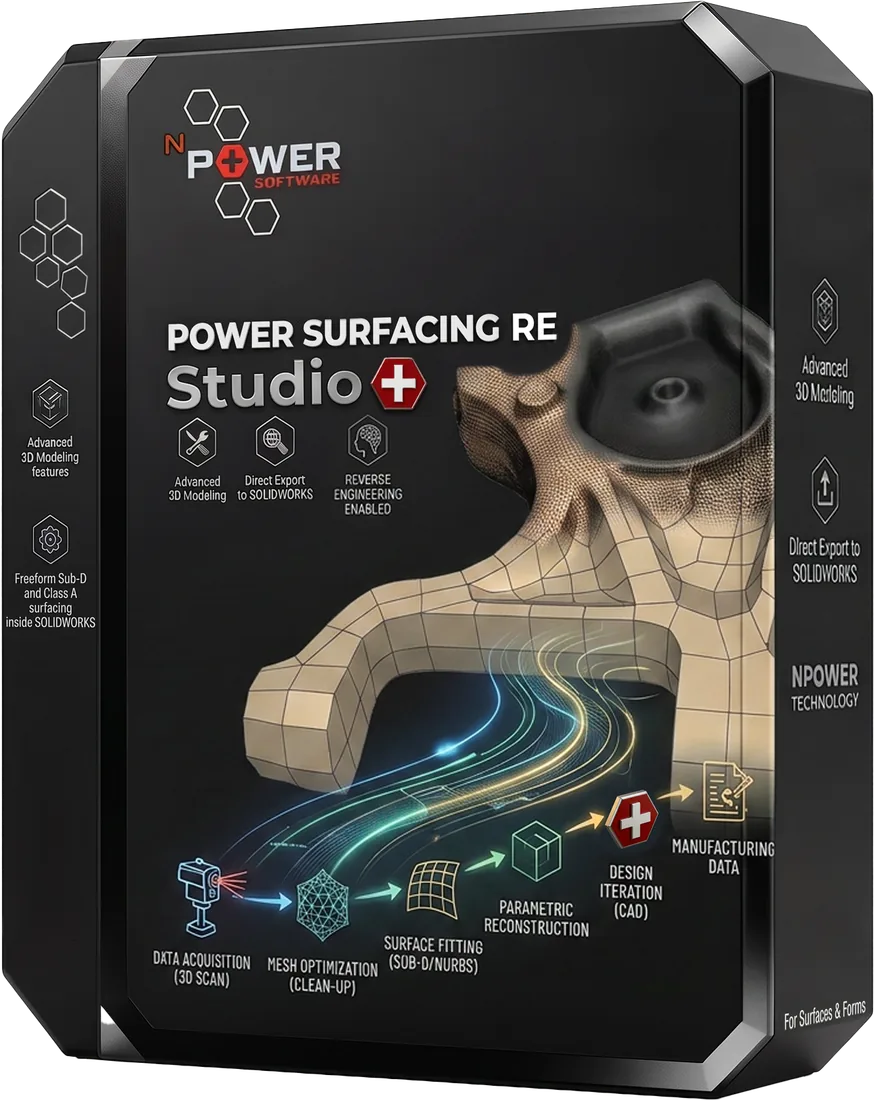
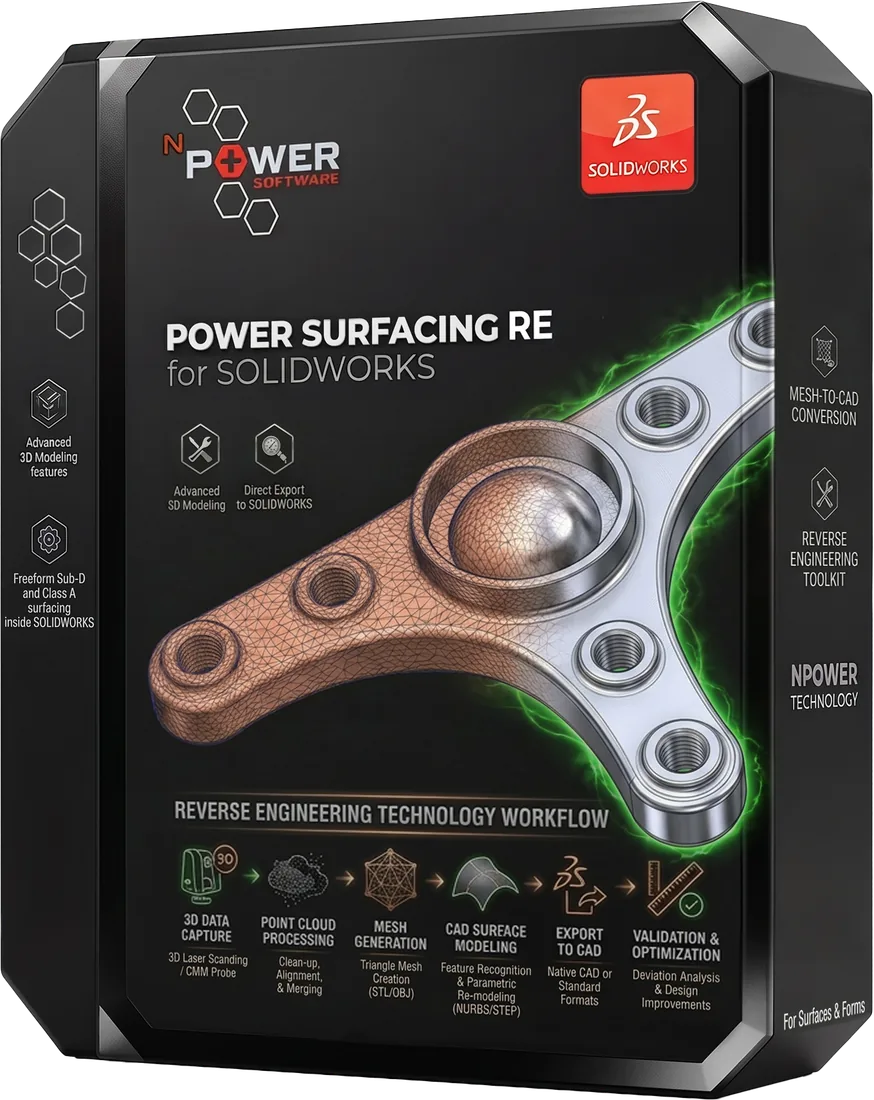
Both. Power Surfacing RE for SOLIDWORKS is a direct add-in that creates native SOLIDWORKS bodies in the feature tree. Power Surfacing RE Studio is standalone and exports STEP, IGES, and SAT for any downstream CAD system.
Is a trial or product demonstration available?
Yes. Free trial downloads are available for every product, and recorded demonstrations are available in the video library.
Evaluate It on Your Own Scan Data
The fairest comparison is a hands-on one. Download a free trial and run your own scans through the workflow.